Number XLSX worksheets automatically
When generating Excel documents with Plumsail processes, you can automatically insert sequential numbers using the {{@number}} token.
This can be useful for document numbering, invoice references, report identifiers, or any scenario where each generated document needs a unique number.
Add the token anywhere in your template:
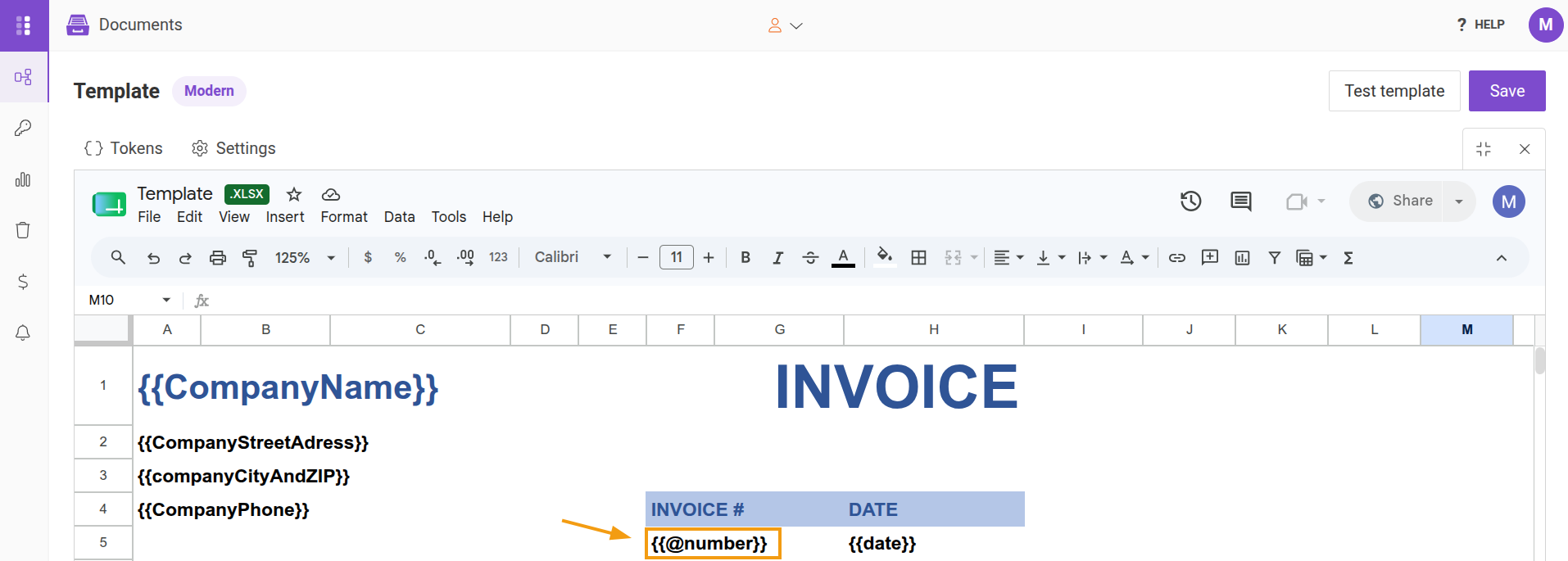
During document generation, the token is replaced with the next available number:
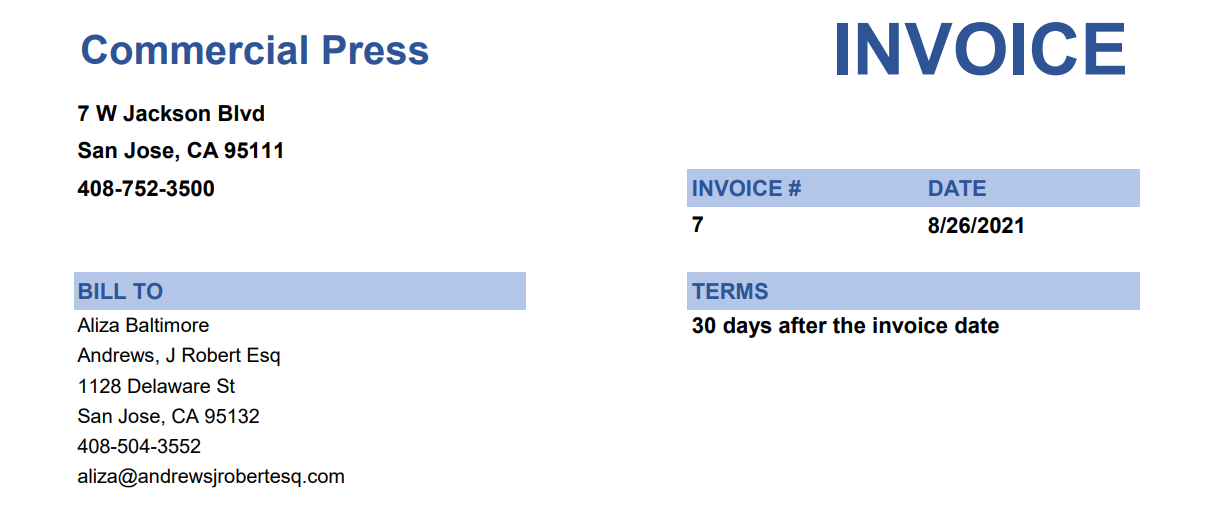
Numbering starts at 1 by default and increases automatically with each process run.
The {{@number}} token can also be used in other process settings, such as:
If you want numbering to start from a different value, open the Settings option in the editor and specify a value in Document number index.
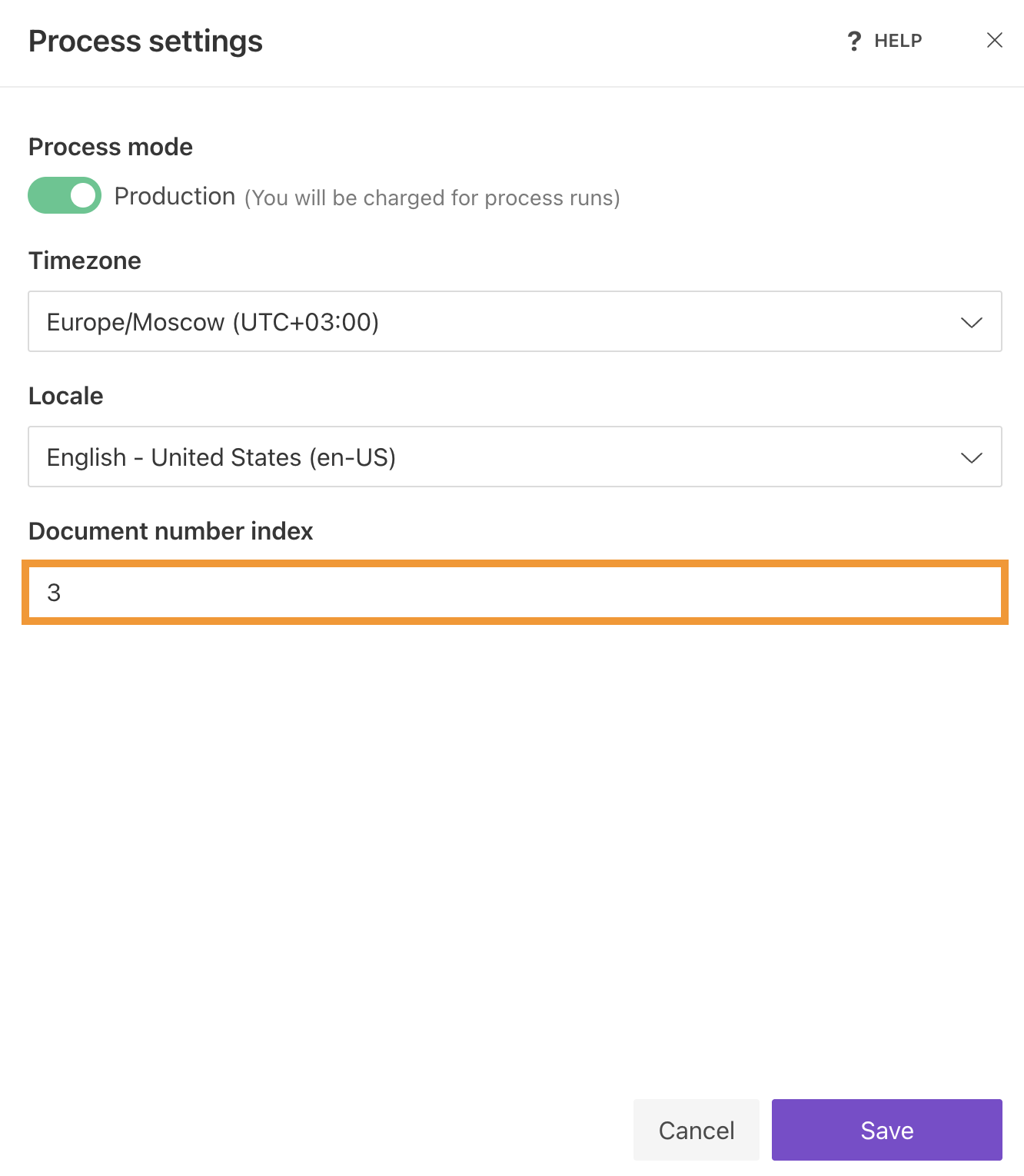
The next generated document will use the next number in the sequence.