You can define recipients dynamically using tokens in the Name and Email fields. The data passed to the process determines who receives the document.
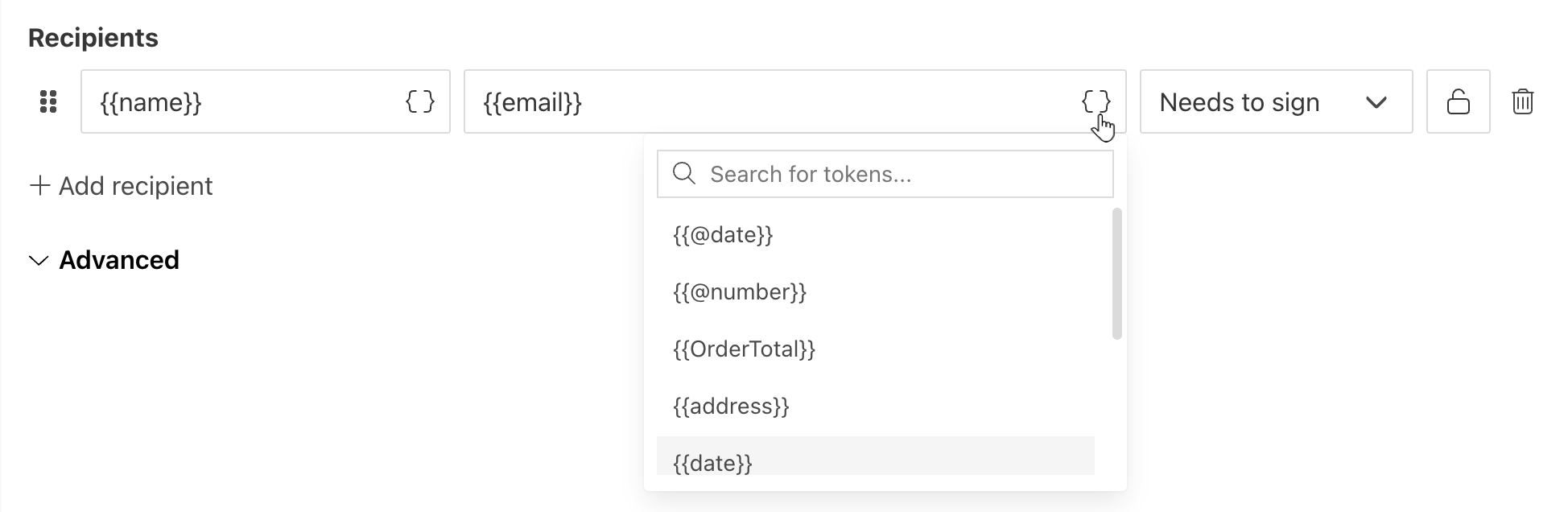
The Email field can contain a single address or a list of addresses separated by commas or semicolons:
{
    "email": "Derek Clark <d.clark@contoso.com>; Jessica Adams <j.adams@contoso.com>"
}
If you provide a list of recipients in the Email field, the Name field is ignored.
You can specify recipient names in the list by placing names before the email address:

Behavior details:
If no name is provided, the email address is used as the recipient name.
If Sequential signing is enabled, recipients receive the document in the order specified in the list.
If you add an Access code, all recipients in the list receive the same code. To assign different codes, add recipients individually in the Recipients section.