 Formsn8n
Oct 07
How to score leads with AI using Plumsail Forms and n8n
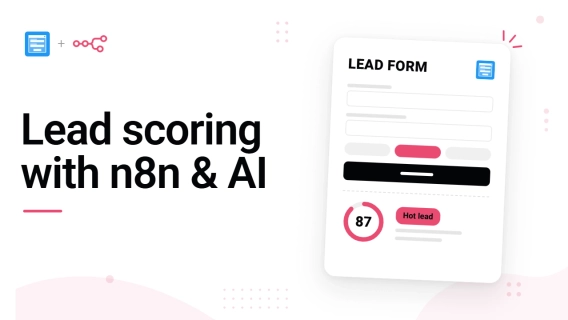
Learn how to automate lead scoring with Plumsail Forms and n8n: collect leads, score them with AI, and route each one to sales or a personalized reply.
 Formsn8n
Learn how to automate lead scoring with Plumsail Forms and n8n: collect leads, score them with AI, and route each one to sales or a personalized reply.
 DocumentsFormsSharePoint
 Power Automate
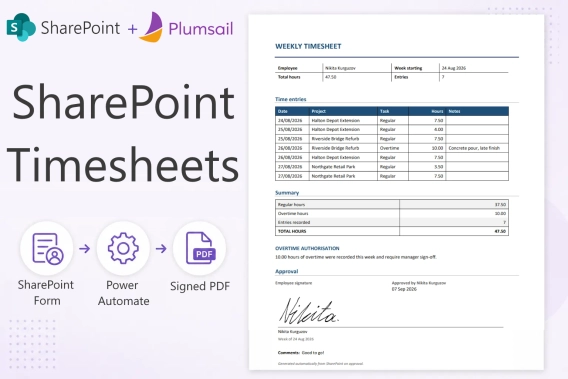
Build a SharePoint timesheet system with weekly hour entry, project totals, e-signatures, approvals, and automatic PDF generation. Full setup with code.
FormsMicrosoft 365SharePointSave time and avoid mistakes by pre-filling form fields with Plumsail Forms for SharePoint. Write simple JavaScript to make your forms smart and fill out fields automatically.
FormsMicrosoft 365SharePointDiscover how Profibaustoffe CZ manages construction logistics in SharePoint Online — orders, silos, transport, and invoicing connected with Plumsail Forms.
DocumentsFormsMicrosoft 365SharePointPower AutomateI tested four ways to generate documents in SharePoint and compared their setup, features, limitations, pricing, and best use cases.
FormsAirtableNeed clients or partners to update Airtable records without paying for extra seats? Explore practical workarounds, portal tools, and advanced forms to collaborate with external users.
FormsSharePointPower AutomateLearn how CWP Global replaced scattered spreadsheets with a centralized SharePoint risk management system using Plumsail Forms, Power Automate, and automated scoring and escalation.
FormsLearn how to generate a QR code for sharing a Google Form. Plus, discover how Plumsail Forms does it automatically the moment your form is published.
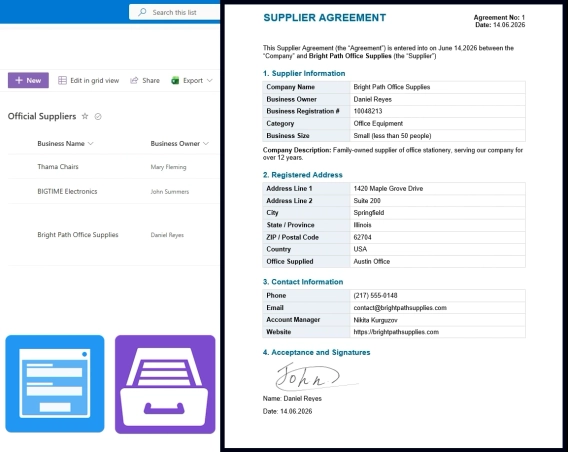
DocumentsFormsSharePointBuild a supplier onboarding form that saves straight to SharePoint — no vendor login, attachments support, conditional field visibility, e-signatures, and automatic contract generation.
FormsSharePoint Power Apps
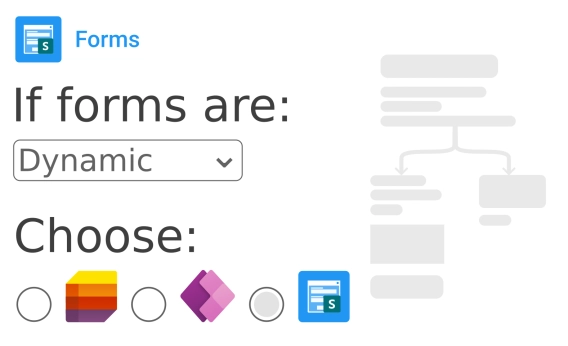
See the pros and cons of using different form builders for SharePoint lists when it comes to conditional logic.
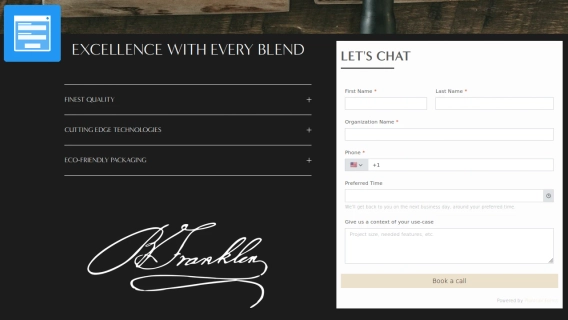
FormsBuild and embed a lead capture form that turns visitors into customers with Plumsail Forms