 DocumentsSharePoint
Nov 02
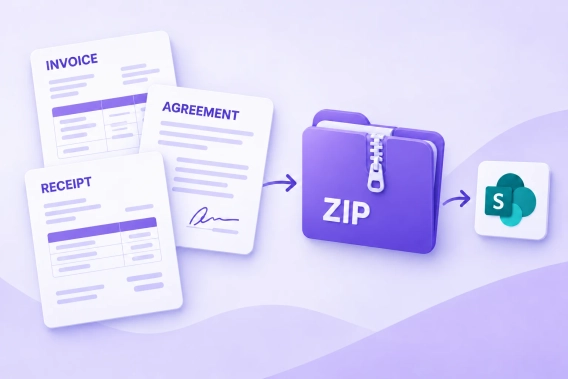
Generate multiple documents as a ZIP and save to SharePoint
Generate an invoice, agreement, and receipt from the same data, package the PDFs into a ZIP archive, and save it to SharePoint with Plumsail Documents.
 DocumentsSharePoint
Generate an invoice, agreement, and receipt from the same data, package the PDFs into a ZIP archive, and save it to SharePoint with Plumsail Documents.
 FormsSharePoint
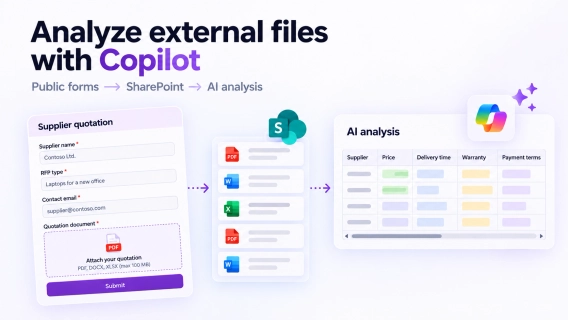
Collect files from external users with Plumsail Forms and analyze them with Copilot in SharePoint. Extract data, classify documents, and compare quotations.
DocumentsSharePoint Power Automate
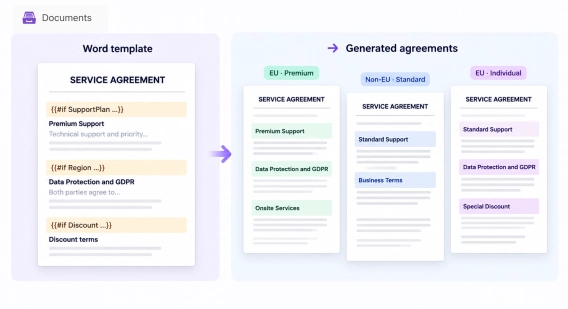
Learn how to show, hide, or change sections in Word documents based on SharePoint data in Power Automate. Use one template for multiple document variations.
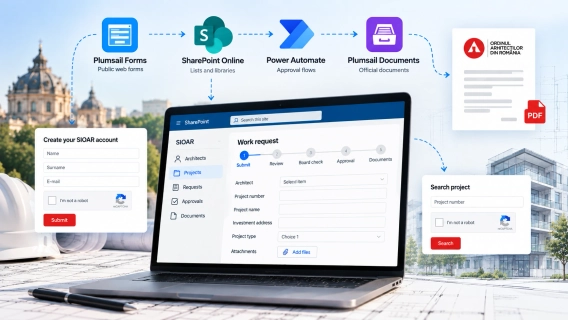
DocumentsFormsMicrosoft 365SharePointPower AutomateSee how BPC Software used Plumsail Forms, Documents, SharePoint Online, and Power Automate to build a national platform serving over 14,000 architects in Romania.
 HelpDeskMicrosoft 365SharePoint
Learn how to automatically assign HelpDesk tickets to the right agent or team based on keywords in the ticket title or description using automation rules.
HelpDeskMicrosoft 365SharePointSee how Nel Hydrogen has managed over 45,000 IT support tickets in six years with Plumsail HelpDesk for SharePoint, using a simple setup with minimal customization.
 Org ChartMicrosoft 365SharePoint
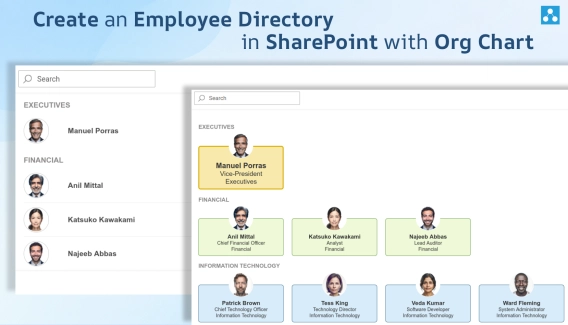
Learn how to create a searchable Employee Directory in SharePoint with Plumsail Org Chart and organize employee information with custom views, filters, and groups.
Formsn8nLearn how to automate lead scoring with Plumsail Forms and n8n: collect leads, score them with AI, and route each one to sales or a personalized reply.
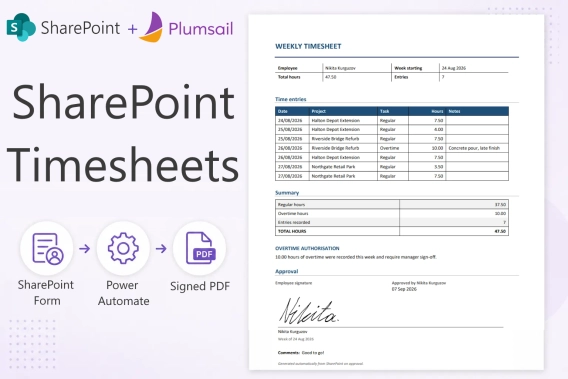
DocumentsFormsSharePointPower AutomateBuild a SharePoint timesheet system with weekly hour entry, project totals, e-signatures, approvals, and automatic PDF generation. Full setup with code.
FormsMicrosoft 365SharePointSave time and avoid mistakes by pre-filling form fields with Plumsail Forms for SharePoint. Write simple JavaScript to make your forms smart and fill out fields automatically.
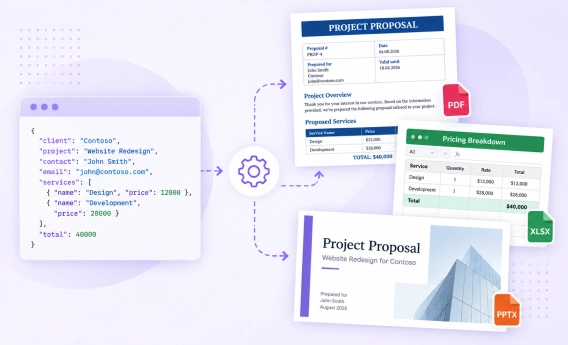
DocumentsUse multiple templates in a single Plumsail Documents Process to generate Word, Excel, PowerPoint, PDF, and HTML files from the same data.