


Build public web forms
Create public business forms, share them with your users, and automate submission processing
Sign up for free plan
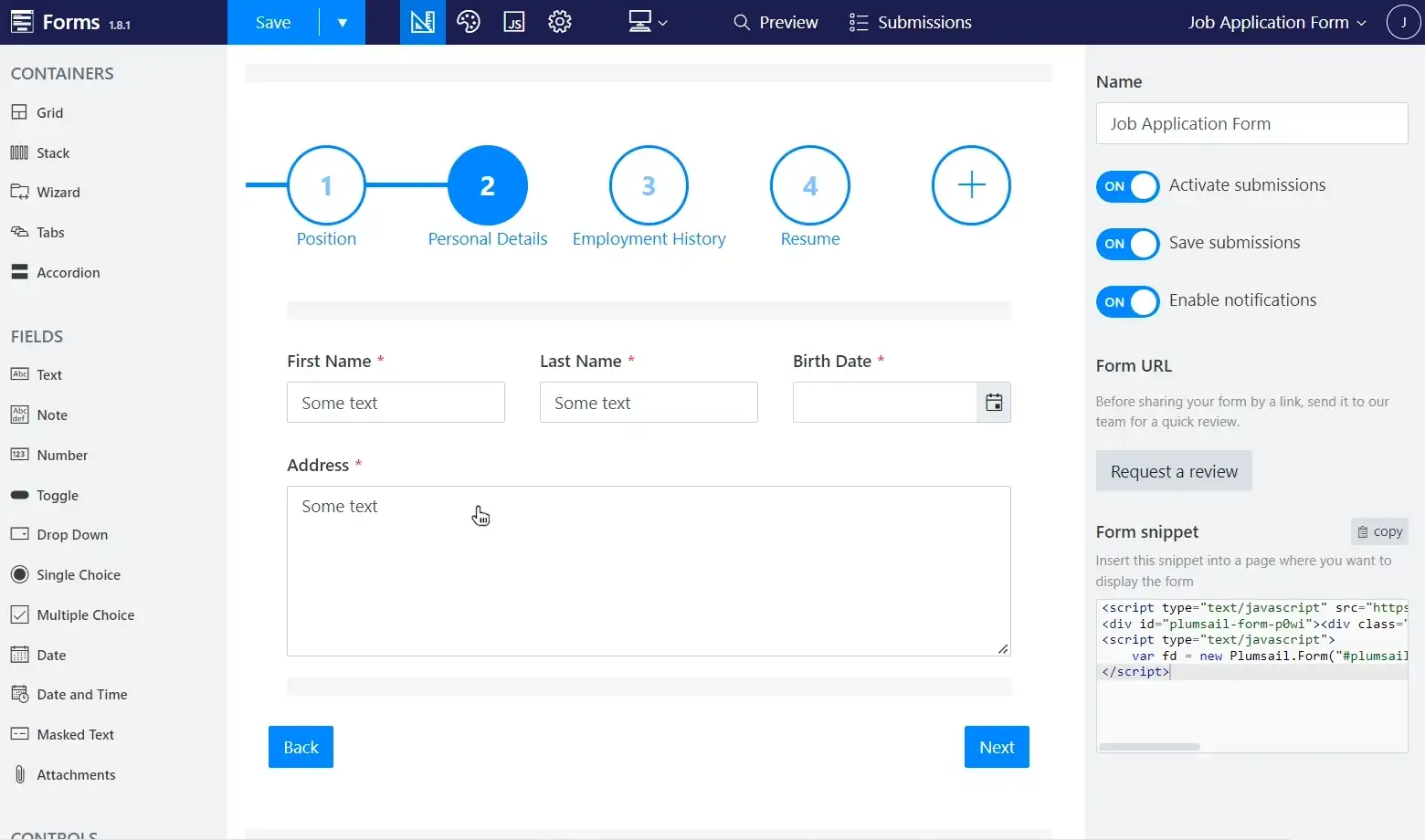
How it works

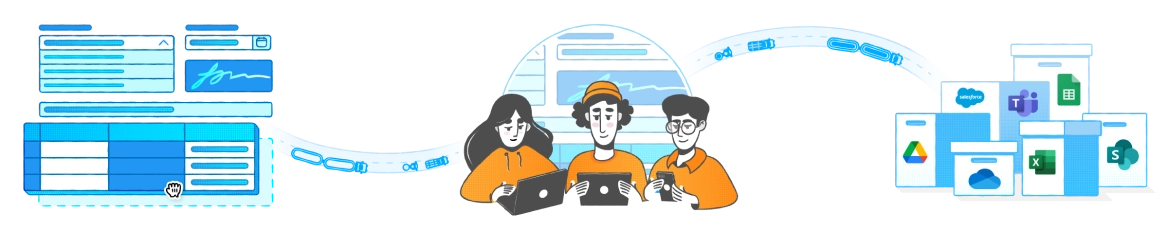


Design business web formBuild rich and responsive web form with multiple steps, data tables, complex layout and custom business logic for any device.
Share it with your usersEmbed your form to any website or share it by a link. Customize branding of the form page before sharing.
Collect and process submissionsAutomate submission processing with Power Automate, Make, or Zapier: send e-mails, save to Excel or Google Sheets, create leads in CRM, create records in SharePoint.
Features


AI assistant
Create or update forms by chatting with AI


Data Tables
Add data tables with various column types to your forms


Signature
Collect signatures or hand-written notes from your forms


Authentication
Provide access to authenticated users or specific Microsoft 365 groups


Styling and branding
Customize the look of your forms accordingly to your brand book


Conditional logic
Show or hide fields based on user input


Sharing pages
Design a host page and share your form by a link


External Data Sources
Populate drop-downs and multi-choice fields from Excel
Plumsail's form builder is simply intuitive, from the interface down to individual customizations. A drag-and-drop user experience enabled us to create our form within minutes.
Read case studyViorel Boeru
Operations Assistant
@ LDD Construction Ltd


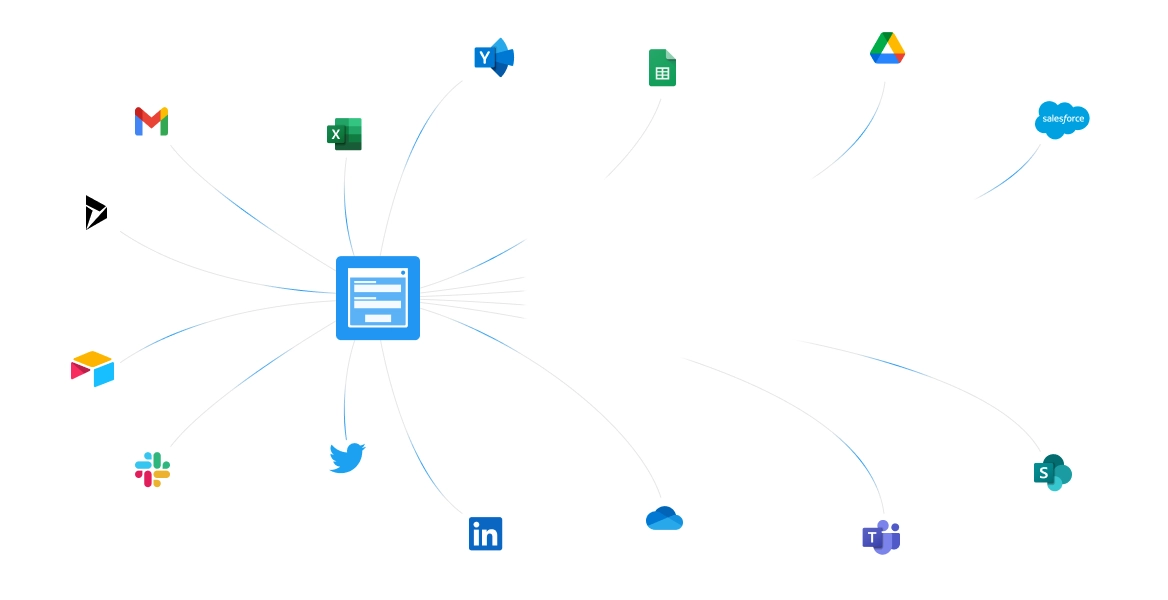

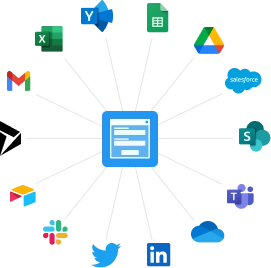
Transform and send data
to the apps you already use
Process submissions from your forms in anymanner: create contacts in CRM, send e-mail
messages, generate documents, save data to
the cloud.Learn more
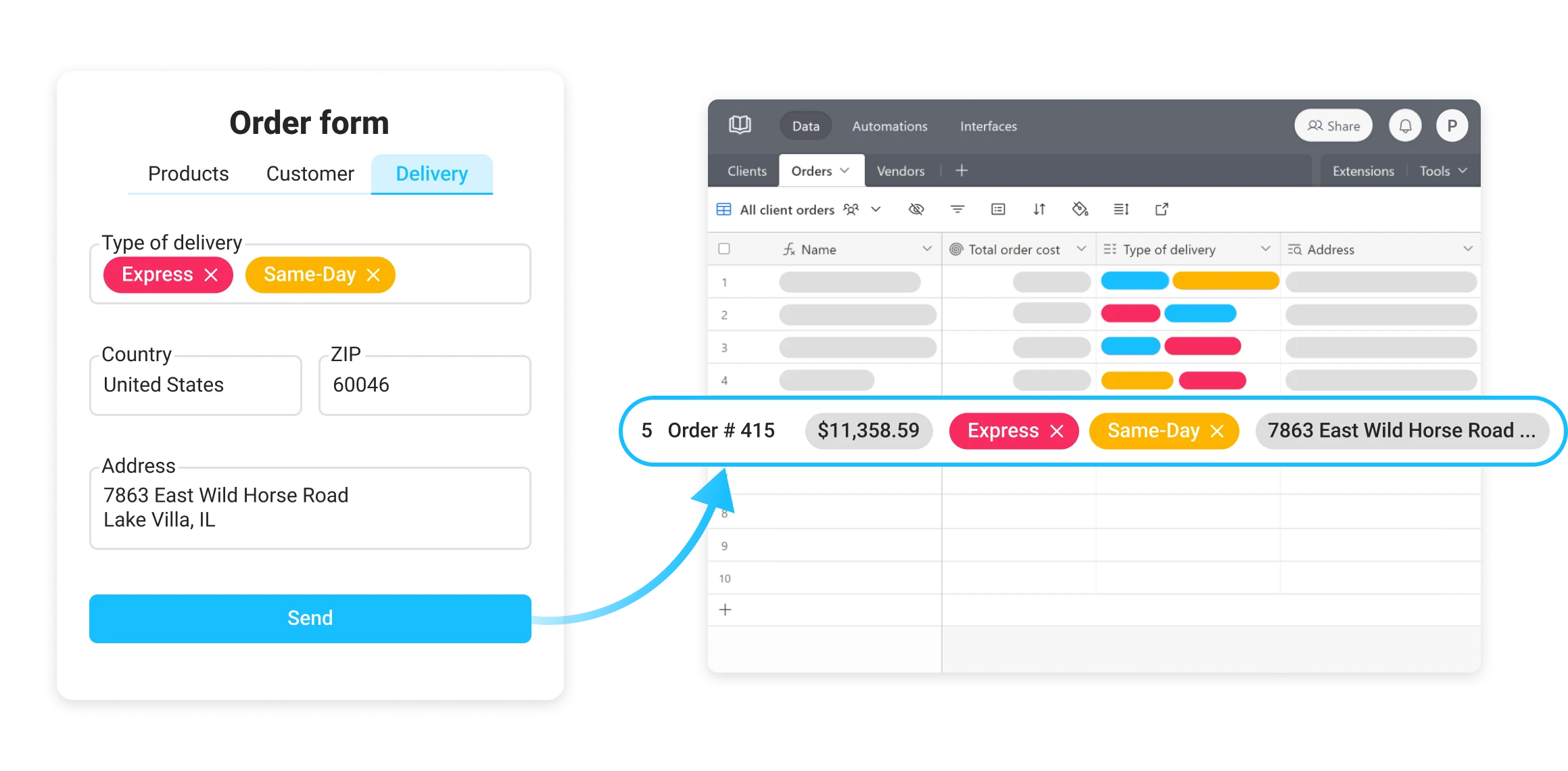
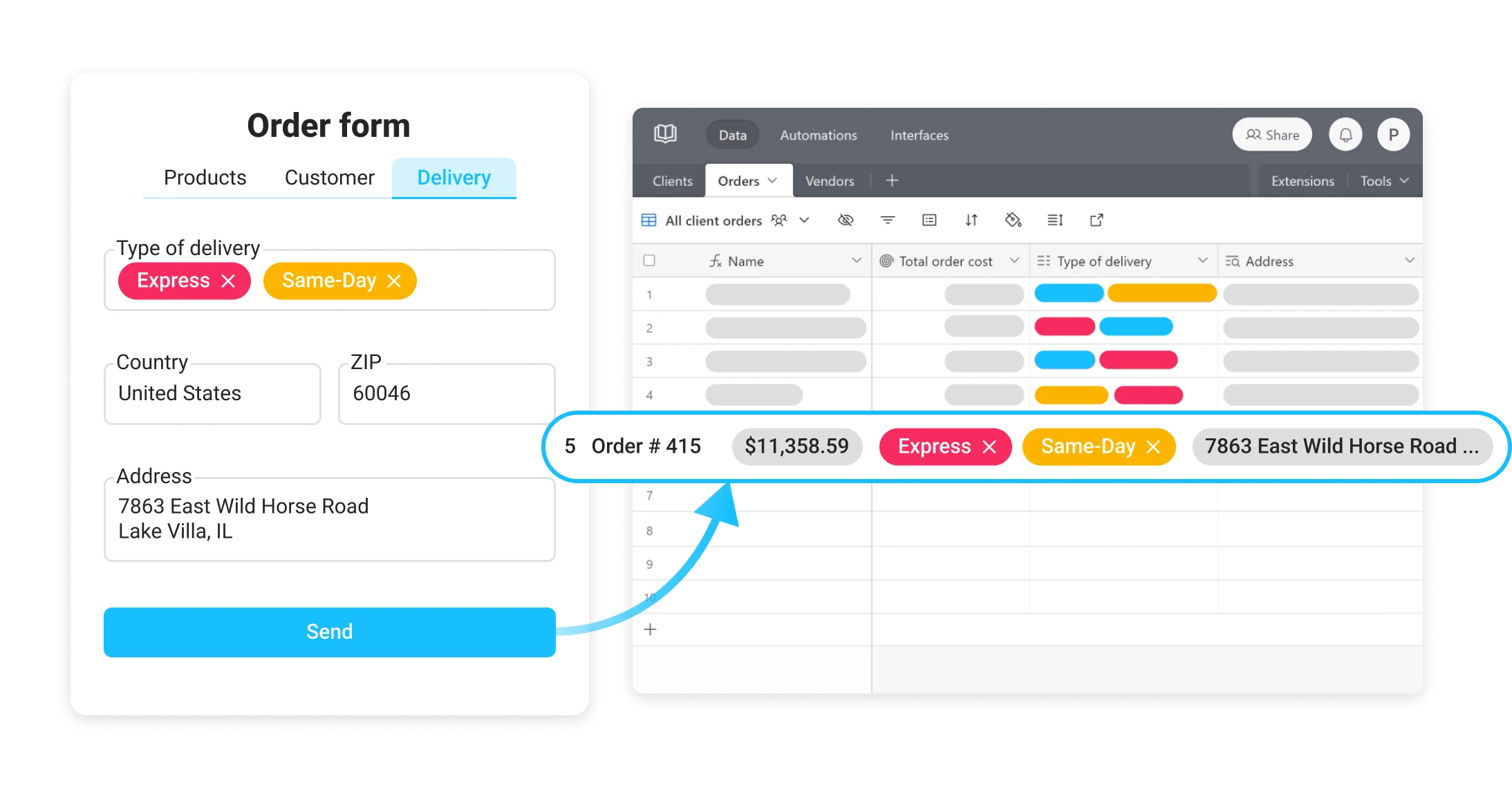
Create forms for Airtable
Create public forms for Airtable to add new records or update existing ones. The form designer automatically syncs with your Airtable base and supports advanced fields and features.

Read case studyMichael Sheasby
CTIO
@ Studio Source Yearbooks


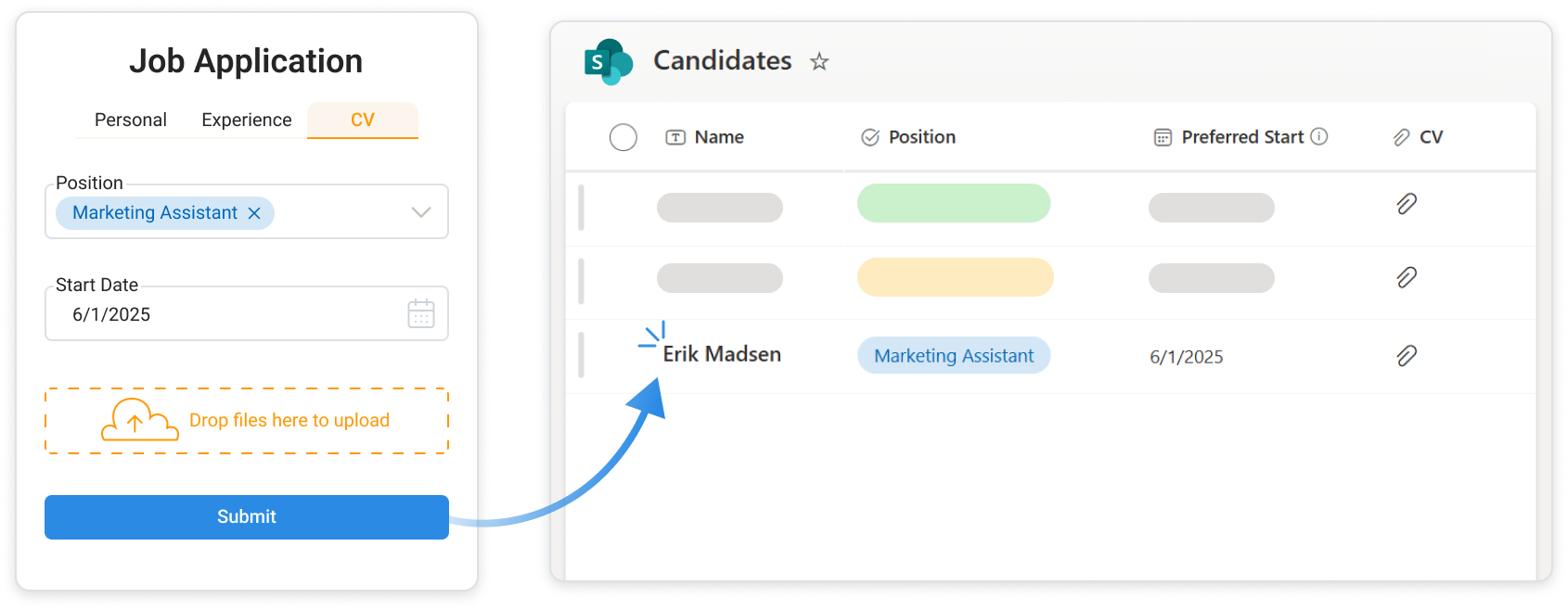
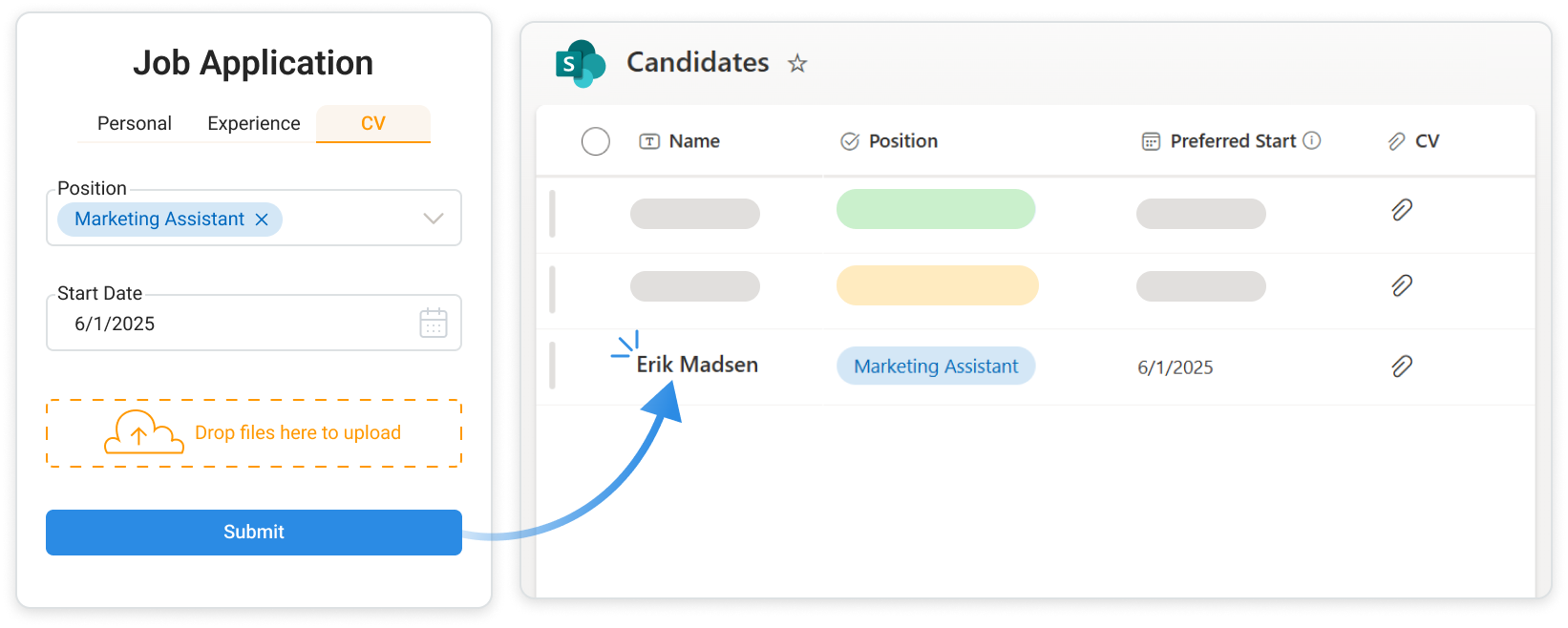
Build public-facing forms for SharePoint
Link public forms directly to SharePoint so external users can submit new items or update existing ones without logging in.

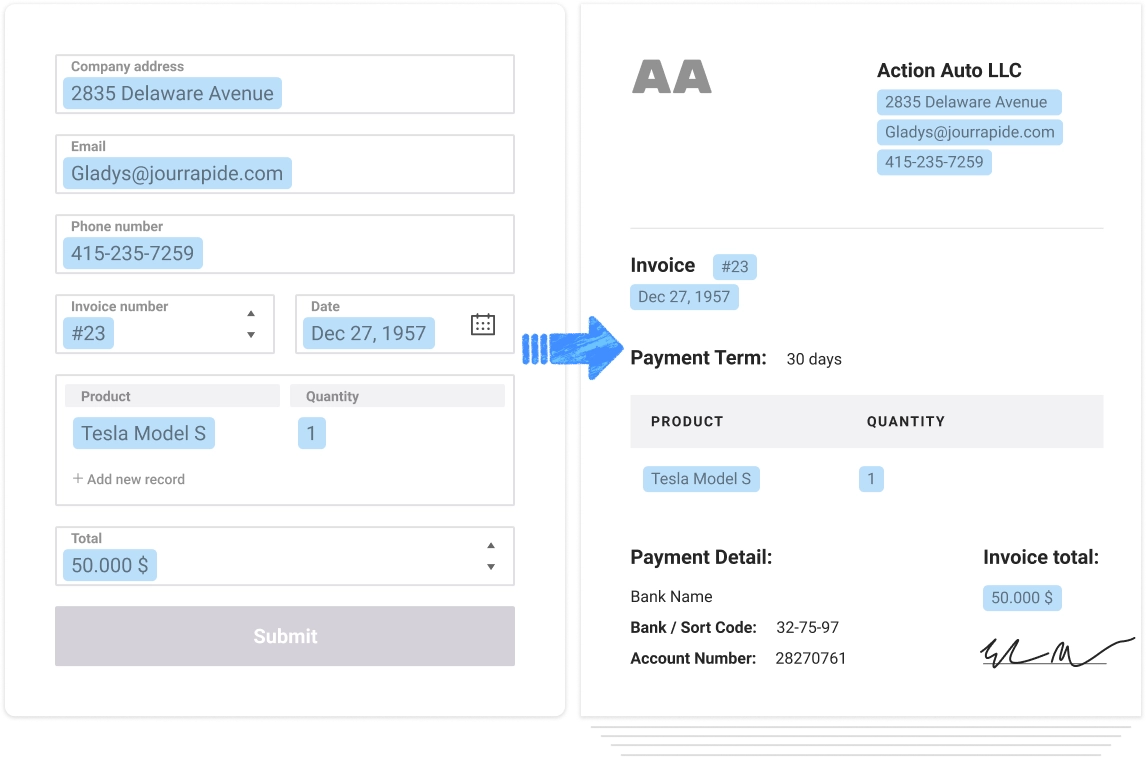
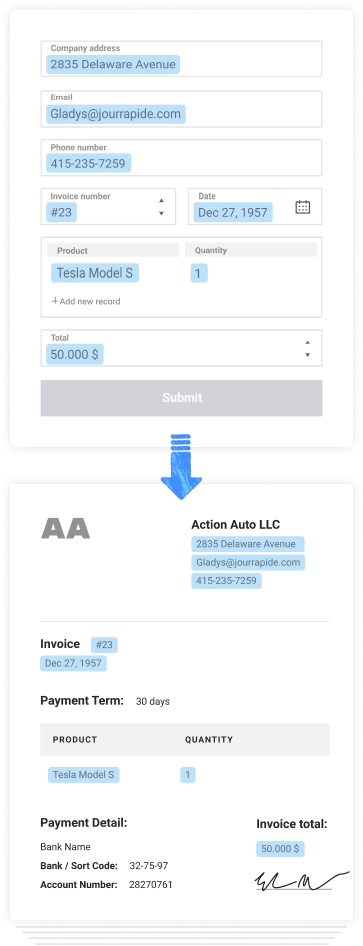
Generate documents from web forms data
Use Plumsail Forms in conjunction with Plumsail Documents for generating PDF documents based on form data and sending them for signature or to another app.

Read case studyDennis Jung
Head of Digital Transformation & Sustainability
@ WILAmed GmbHy


1000 companies build over 10000 web forms with Plumsail Forms






What people say about Plumsail Forms

Review from Capterra

A fabulous tool for creating public-facing web forms. Far more features and flexibility than Microsoft Forms.
Review from Capterra
Gets the job done, allows lots of customization if one wants. Has prompt response from customer support.
Review from G2

Very easy to create a form, effective user interface. Integration with power automate is great.
Review from G2
Extensive themes, layouts, and templates helped me make the form more visually appealing and interesting.
Review from G2
Anyone can create a form components by just doing drag and drop inputs & items. It is very easy to use & very effective.
Review from G2
We've had the most idealistic visions and they always brought them to life. Easy to use form builder.
Review from G2
Best platform to design web forms for website in multiple language. Nothing to dislike. Everything is Perfect.
Review from G2
It is very good product for beginner to create web-forms by just drag and dropping forms element like radio box, checkbox, upload and textbox.
Review from Capterra
A fabulous tool for creating public-facing web forms. Far more features and flexibility than Microsoft Forms.
Review from Capterra
Gets the job done, allows lots of customization if one wants. Has prompt response from customer support.
Review from G2
Very easy to create a form, effective user interface. Integration with power automate is great.
Review from G2
Extensive themes, layouts, and templates helped me make the form more visually appealing and interesting.
Review from G2
Anyone can create a form components by just doing drag and drop inputs & items. It is very easy to use & very effective.
Review from G2
We've had the most idealistic visions and they always brought them to life. Easy to use form builder.
Review from G2
Best platform to design web forms for website in multiple language. Nothing to dislike. Everything is Perfect.
Review from G2
It is very good product for beginner to create web-forms by just drag and dropping forms element like radio box, checkbox, upload and textbox.
Give it a try
No credit card required