How to let external users edit Airtable without direct access
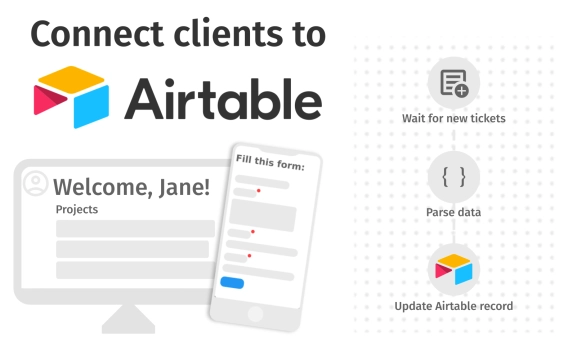
Need clients or partners to update Airtable records without paying for extra seats? Explore practical workarounds, portal tools, and advanced forms to collaborate with external users.
Learn how CWP Global replaced scattered spreadsheets with a centralized SharePoint risk management system using Plumsail Forms, Power Automate, and automated scoring and escalation.
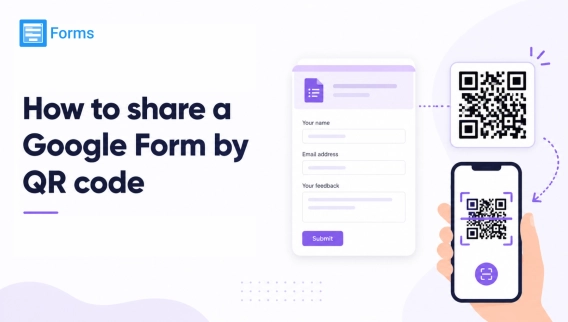
Learn how to generate a QR code for sharing a Google Form. Plus, discover how Plumsail Forms does it automatically the moment your form is published.
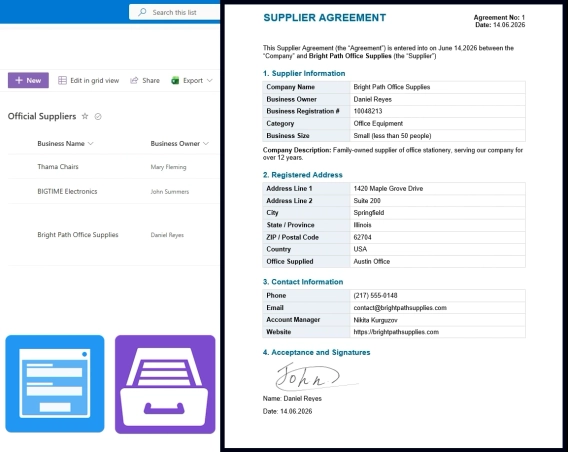
Build a supplier onboarding form that saves straight to SharePoint — no vendor login, attachments support, conditional field visibility, e-signatures, and automatic contract generation.
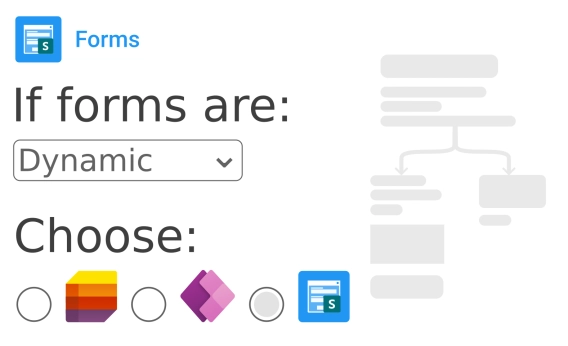
See the pros and cons of using different form builders for SharePoint lists when it comes to conditional logic.
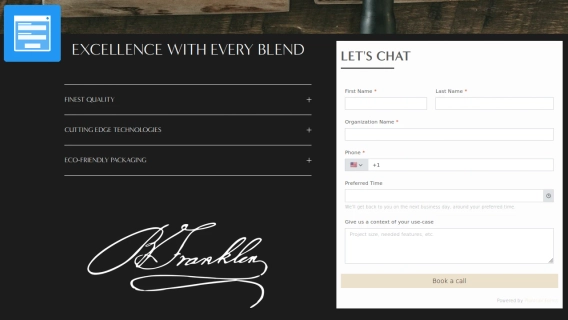
Build and embed a lead capture form that turns visitors into customers with Plumsail Forms
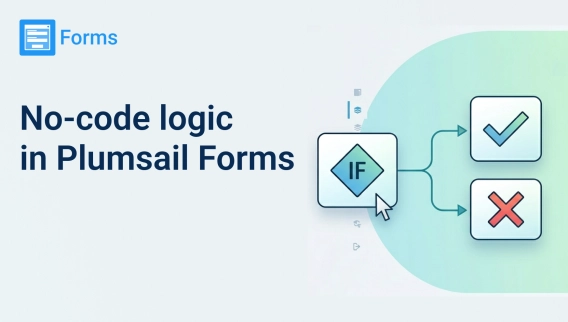
Show, hide, or disable form fields with no-code conditional logic rules in Plumsail Forms for SharePoint, Airtable, and web forms.
Learn how to populate a Microsoft Forms dropdown from SharePoint — and three alternatives that update automatically.
See how FileBank Inc. built a four-stage timesheet approval workflow in SharePoint Online — with auto-calculated hours, signature capture, and final PDF generation — with Plumsail and Power Automate.
InfoPath retires July 14, 2026. Learn what happens to your existing forms, explore InfoPath alternatives, and learn how to migrate your forms.
Share a feedback form with a QR code. See how Plumsail Forms can boost collecting reviews