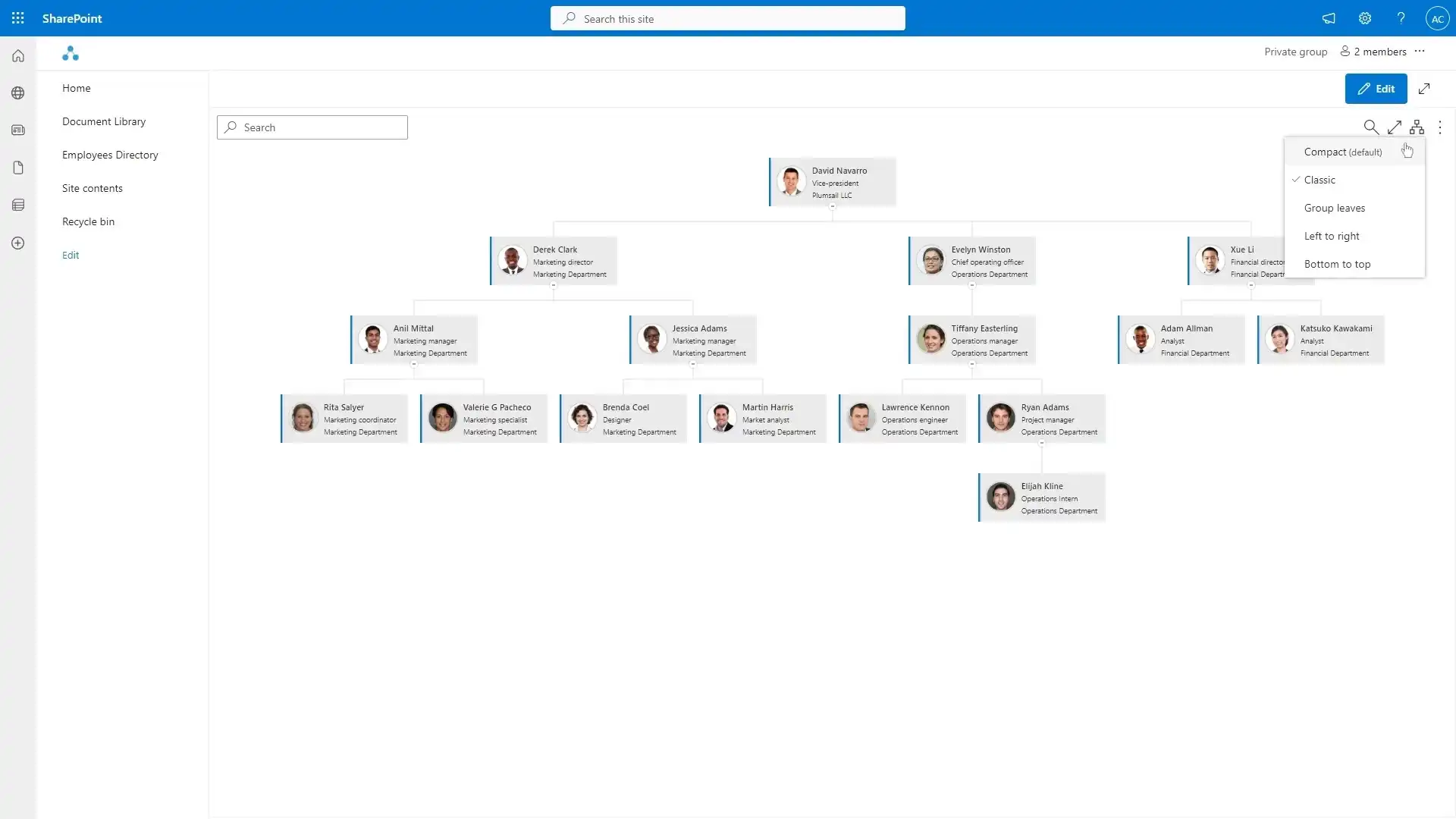
Interactive SharePoint Org Chart
Create a dynamic Org Chart as a SharePoint Web Part.
Built for businesses of all sizes.


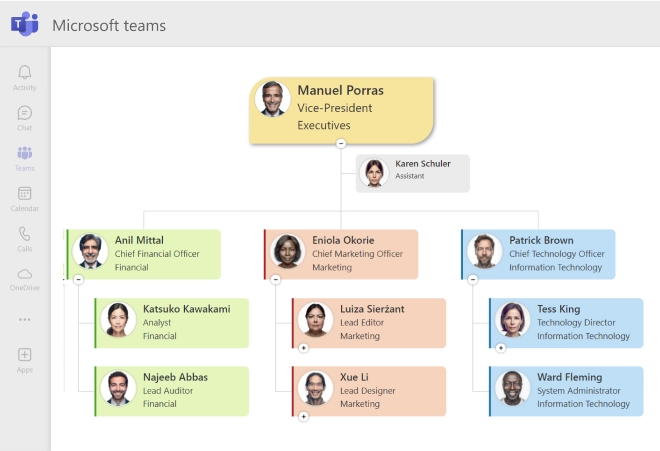
Display as a tab inside Microsoft Teams
Organizational structure for your teams and departments in Microsoft Teams channels. Each department channel may have a separate org structure tab.
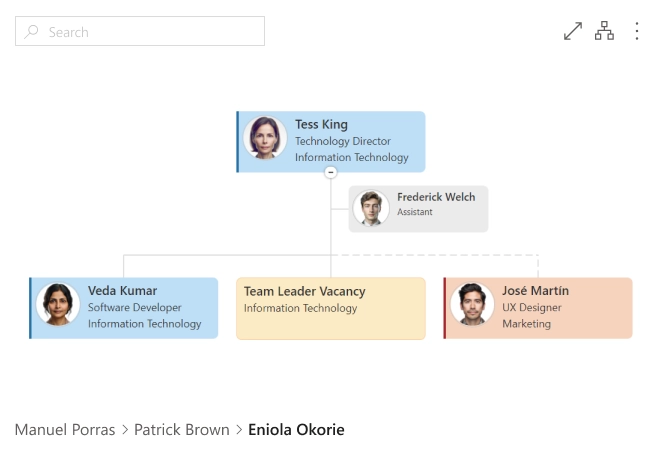
Display assistants, dotted-line managers and vacancies
Display assistants, vacancies and dotted-line managers for matrix structures. Quickly navigate to the dotted line manager from the solid line box.
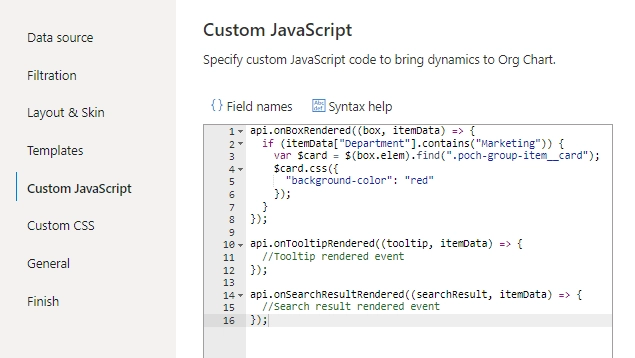
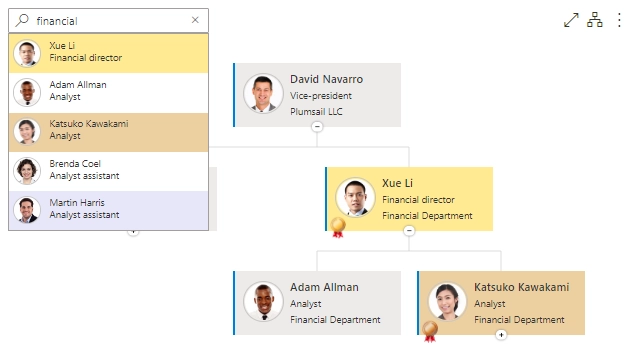
Conditionally format boxes, tooltips and search results
Use JavaScript framework to bring dynamics to Org Chart. Modify and highlight boxes, tooltips and search results according to data from the data source.
Automatically updated from your data source
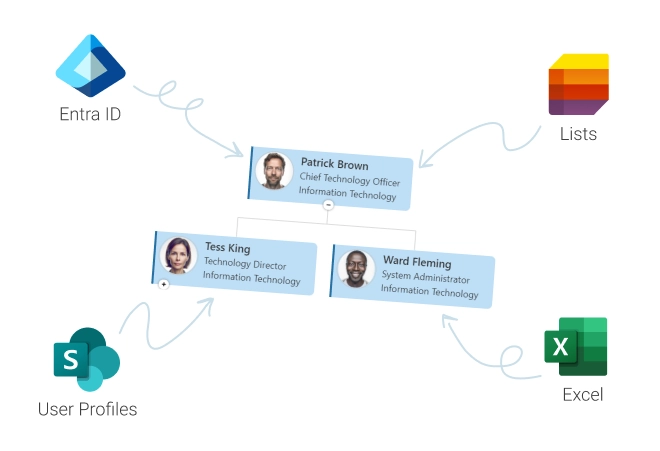
Load data from various sources such as Entra ID (formerly Azure AD), SharePoint user profiles, lists, or Excel spreadsheets. Your org chart stays always updated with your systems.
Design organizational chart according to your brand book
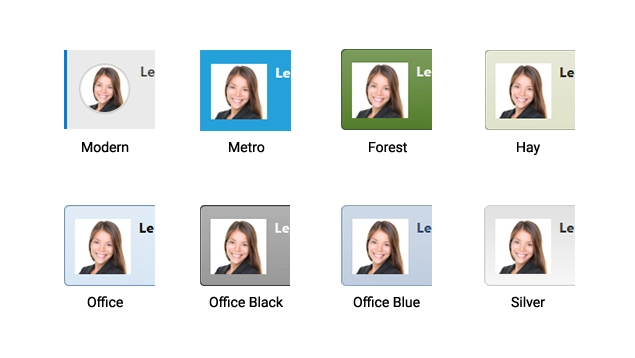
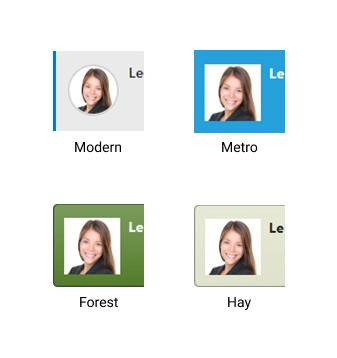
You can choose from 21 beautiful skins or add custom CSS-styles to design an organizational chart according to your brand book using CSS editor with code highlighting.
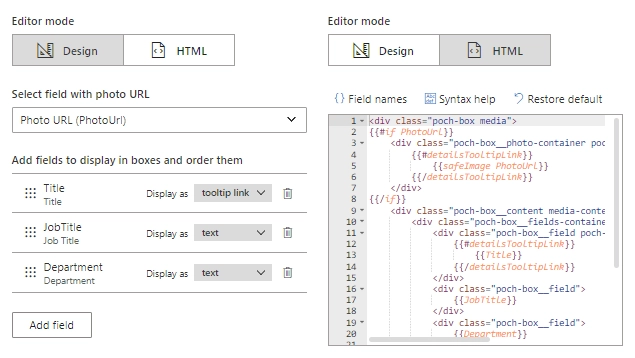
Add new fields and customize HTML templates
Use visual editor or HTML editor to customize templates for boxes, tooltips and search results.
Use this functionality to add new fields, assign badges to employees or for any other customizations of templates.
Bring dynamics to Org Chart using JavaScript framework
Subscribe for box, tooltip, search result rendering events and use jQuery to customize them dynamically.