 DocumentsAirtable
Aug 06
Airtable form to custom PDF
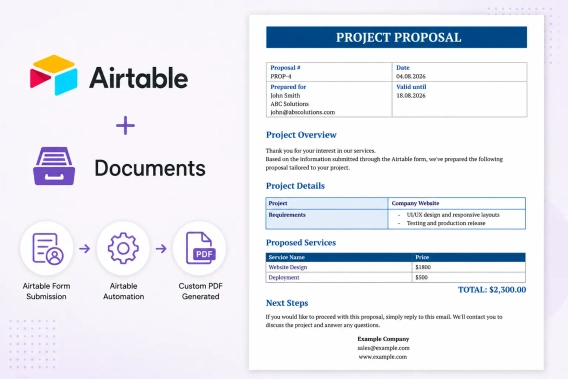
Generate custom PDF documents from Airtable form submissions automatically. Connect Airtable Forms with Plumsail Documents to create branded proposals, quotes, and other business documents.
 DocumentsAirtable
Generate custom PDF documents from Airtable form submissions automatically. Connect Airtable Forms with Plumsail Documents to create branded proposals, quotes, and other business documents.
DocumentsSharePoint Power Automate
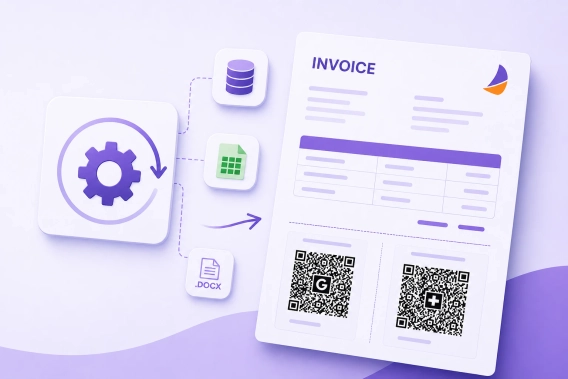
Learn how to generate PDF invoices with EPC QR Codes (Girocode) and Swiss QR Bills automatically from Word templates using data from SharePoint, CRM, ERP, and other business systems.
DocumentsSharePointPower AutomateLearn to retrieve SharePoint images and use them with Plumsail Documents to generate branded Word and PDF reports automatically.
Documents FormsSharePoint
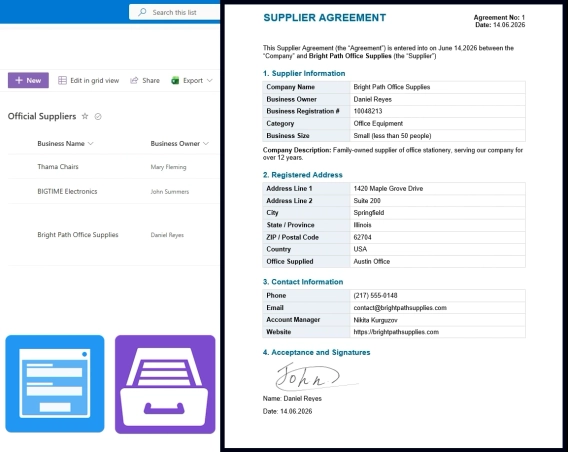
Build a supplier onboarding form that saves straight to SharePoint — no vendor login, attachments support, conditional field visibility, e-signatures, and automatic contract generation.
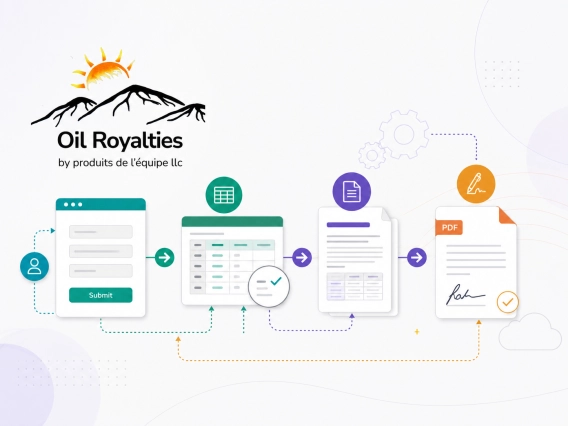
DocumentsMakeLearn how Oil-Royalties used Plumsail Documents with Jotform, Make, and Dropbox Sign to automate agreement generation and deliver pre-filled e-sign agreements.
DocumentsFormsSharePointPower AutomateSee how FileBank Inc. built a four-stage timesheet approval workflow in SharePoint Online — with auto-calculated hours, signature capture, and final PDF generation — with Plumsail and Power Automate.
DocumentsAirtableSee how Elizabeth Bagwell Studios used Airtable and Plumsail Documents to generate multi-page reports from Airtable data and create image-rich appraisal documents for fine art and decorative arts work.
DocumentsMicrosoft 365See how LT Corporation replaced legacy reporting approaches with Microsoft 365 automation for printable reports, shipping documents, and operational checklists.
DocumentsFormsAirtableLearn how Northern GeoSeptic reduced manual data entry by using Airtable, Make, and Plumsail for proposals and site reports.
DocumentsFormsMakeLearn how to create a personalized quote from a public form submission using Make.
DocumentsDynamics 365Learn how AEG Power Solutions automates their workflow with Plumsail Documents and Dynamics 365.