How to use SharePoint images in Power Automate
Learn to retrieve SharePoint images and use them with Plumsail Documents to generate branded Word and PDF reports automatically.
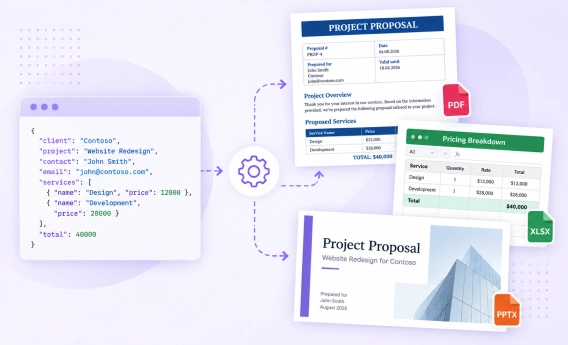
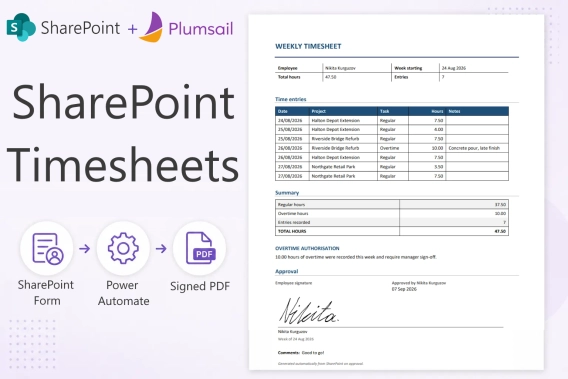
Plumsail Documents allow to create, convert, and process documents of different formats, including PDF. All the features are available in a Power Automate connector which provides multiple templates to start with. Instead of creating a flow from scratch, use one of them as is or customize to meet your needs.
In this post, I have gathered the most popular templates and grouped them into various categories to help you streamline your workflow. Let us explore these templates and see how they can enhance your productivity.
Table of Contents
These templates generate documents from templates retrieved in a Power Automate flow:
And these ones generate documents through starting a Plumsail process.