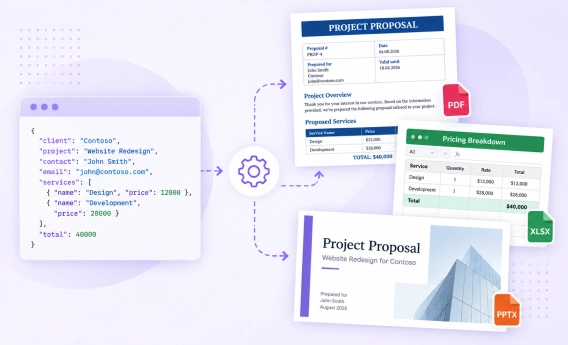
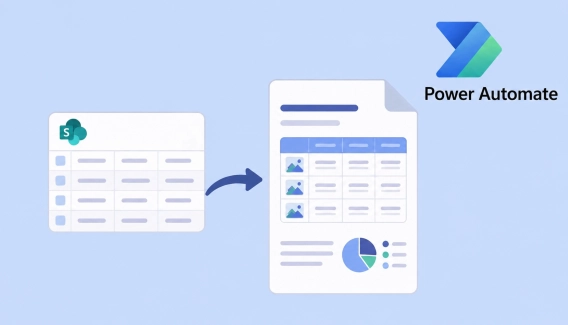
Plumsail Documents feature — Processes — makes document generation at most seamless, having all in one place. We are glad to announce that it’s got one more powerful feature — an Online editor for document templates.
Edit document templates online
Now the Configure template step includes the editor mode. If you need to make changes to the document template, you can do it right here in the process.
Just click on Edit online:
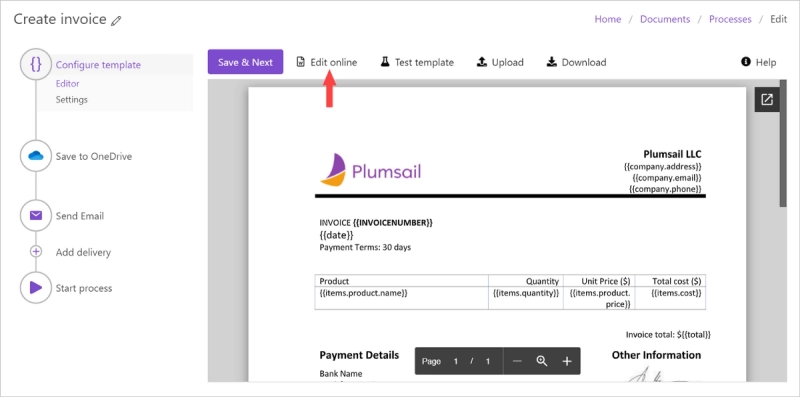
Once you’ve entered the online editor, you’re able to change the document template. Now you don’t need to edit the template locally on your PC and upload it to the process after every change. Modify your templates online.
💡Try switching to a full screen and back by simply clicking on the button.

Check how changes will affect the result
You can instantly check how made changes will affect the resulting document.
Click on Test template:
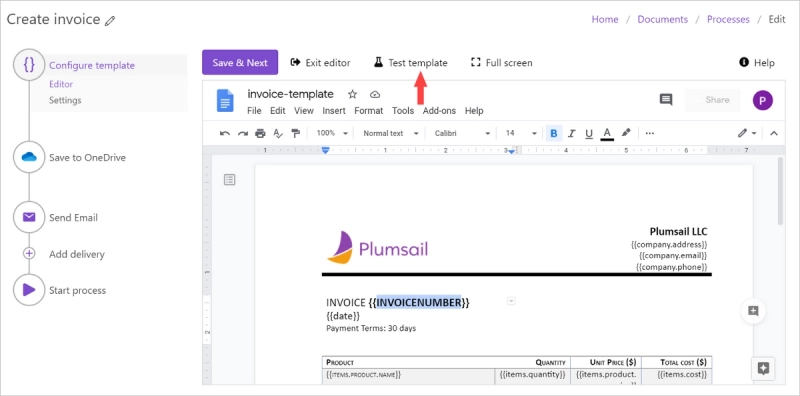
Check out how to test document templates with your data.
Curious to try a handy interface for generating documents from templates? Sign up to get a 1-month free trial.


 Documents
 FormsSharePoint
 Power Automate