HelpDesk
Jul 03, 2025
How to Create a SharePoint Helpdesk Ticketing System
Learn how to create a SharePoint HelpDesk ticketing system with native SharePoint tools or a ready-to-use powerful alternative with advanced features.

This story is based on an interview with Nigel Rodriguez, Managing Director at TAnthony & Associates. We’ve put together a summary of their experience implementing Plumsail HelpDesk for SharePoint Online as part of an IT support pilot. In this business case, they share how a simple email-to-ticket workflow helped establish a scalable service desk foundation.
In this article:
TAnthony & Associates is an IT consulting company working with small businesses and startups, helping them streamline operations, implement modern tools, and build efficient digital workflows.
We were recently contracted to consult several gated communities with the goal of improving their ICT Compliance. A major part of that work was assessing an existing Zendesk Pro implementation and recommending a suitable way forward.
As part of the assessment, we reviewed the existing help desk setup and explored several possible approaches:
The biggest challenge wasn’t technical, but it was getting quick secure approval for a pilot deployment once a solution was identified, because cost was a major constraint.
To make a long story short, Plumsail HelpDesk was identified as the best possible solution with an out-of-the-box implementation to support five agents without major customizations, while still offering the ability to scale when needed.
We implemented a straightforward email-driven workflow:
This created a clean, reliable tracking system that didn’t introduce unnecessary complexity and made it easy to demonstrate value early
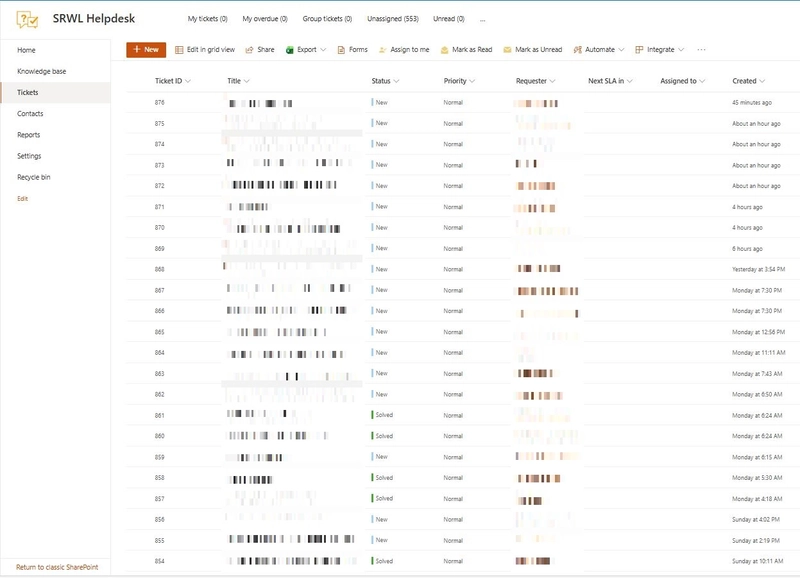
Agents use the tickets list to monitor incoming requests, track status changes, and ensure nothing is missed. This provides clear visibility into day-to-day IT support activities and helps maintain a consistent response process.
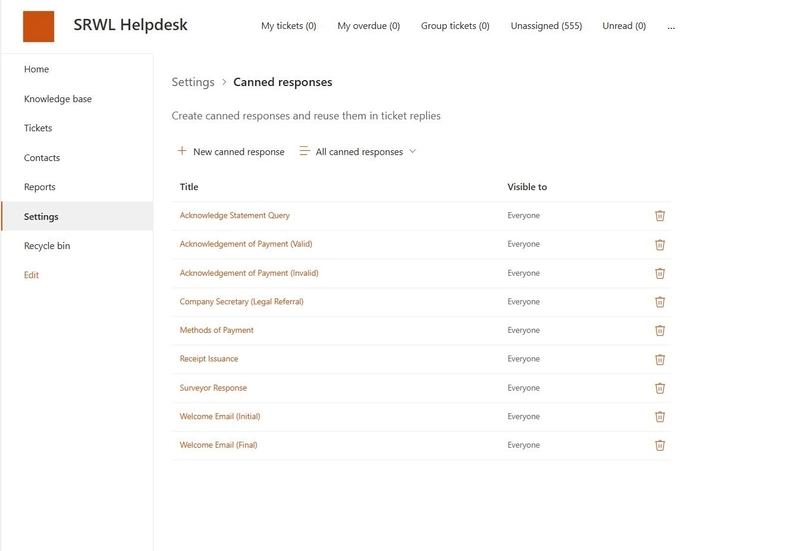
To speed up communication and keep responses consistent, agents uses canned responses for common requests. This reduces manual effort and helps agents focus on resolving issues rather than repeating the same replies.
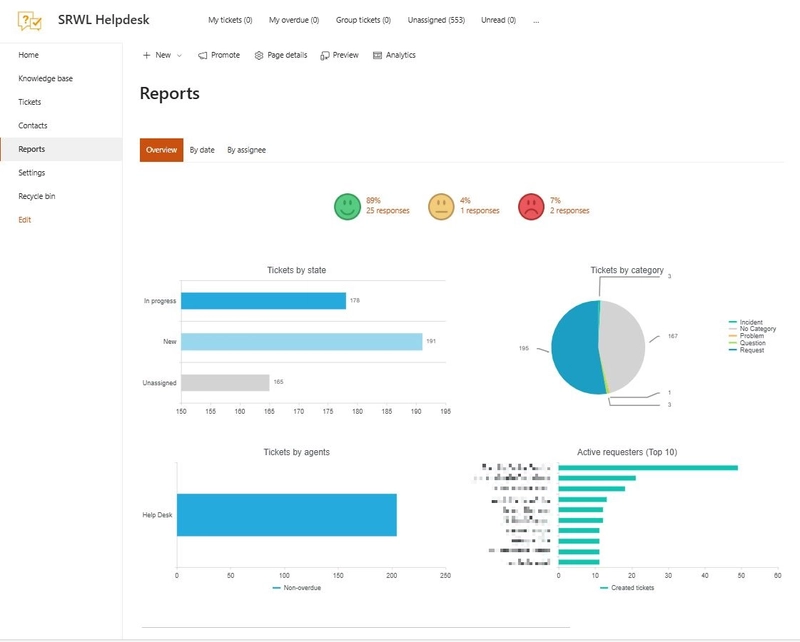
Built-in reports give a quick overview of ticket volume, categories, and requester activity. These insights support better oversight during the pilot and help identify areas for improvement as the service desk evolves.
Plumsail HelpDesk proved to be an effective solution thanks to its easy implementation, impressive scalability options, and active user community. Our previous implementation suffered vendor lock-in as exporting data was locked behind a paywall, and SPAM was a daily issue among several other complexities. Our Solution? - Plumsail Helpdesk.
With the pilot in place, we established a practical SharePoint ticketing system for the client that is easy to manage day to day and ready to scale when needed, providing a solid foundation for future help desk growth.
Start your free one-month trial of Plumsail HelpDesk for SharePoint Online by downloading the installation wizard and following the installation instructions in our documentation.
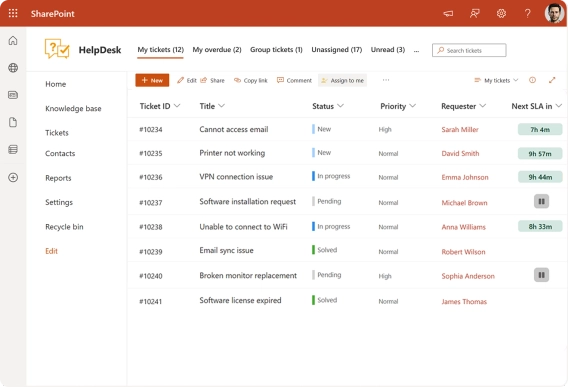
Learn how to create a SharePoint HelpDesk ticketing system with native SharePoint tools or a ready-to-use powerful alternative with advanced features.
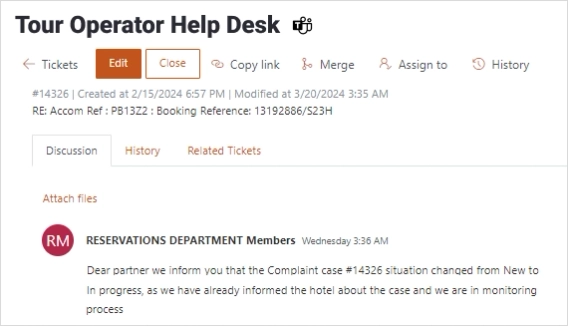
Learn how Cyberlogic integrated Plumsail's ticketing solution to facilitate incident management, complaint resolution, and request handling for a tour operator managing requests within Microsoft 365.
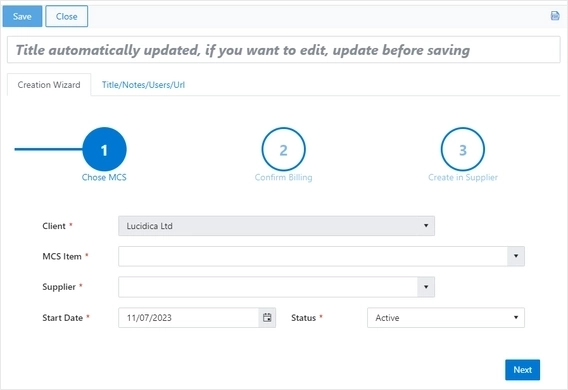
Implementing a system to manage and synchronize subscriptions between Lucidica's Internal SharePoint ERP (CORE4) and External Reseller Platform (Pax8)