


Create SharePoint forms with conditional logic
Show, hide, disable, or require SharePoint fields. Build dynamic SharePoint list forms for requests, onboarding, approvals, and other business processes without complex formulas.

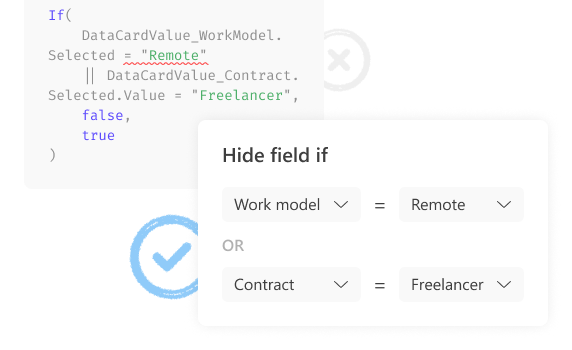
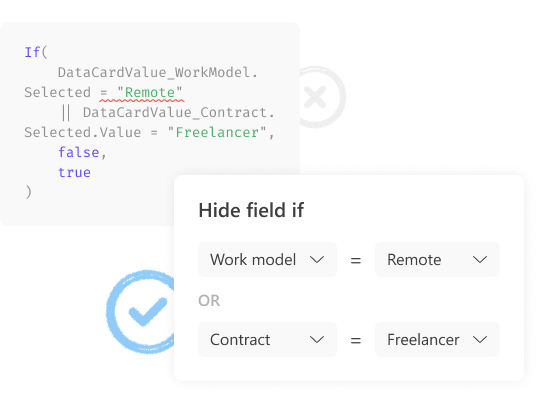
Build conditions without complex formulas
Show and hide fields in SharePoint forms without Power Apps formulas or custom code. Use a visual editor to build conditional logic.


Adapt one SharePoint form to different requests
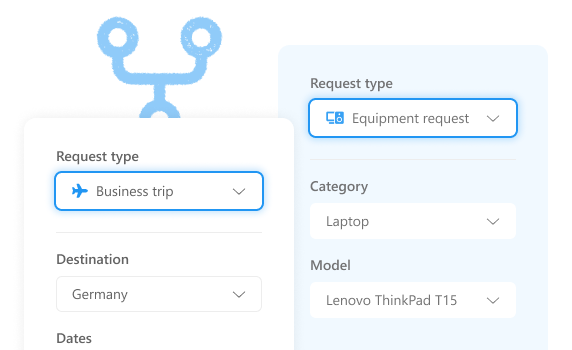
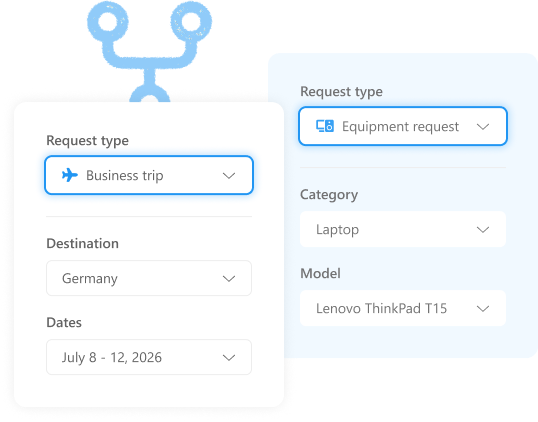
Use a single SharePoint form for different request types and processes. Show relevant fields and sections based on the information users select.


Collect the right information for approvals
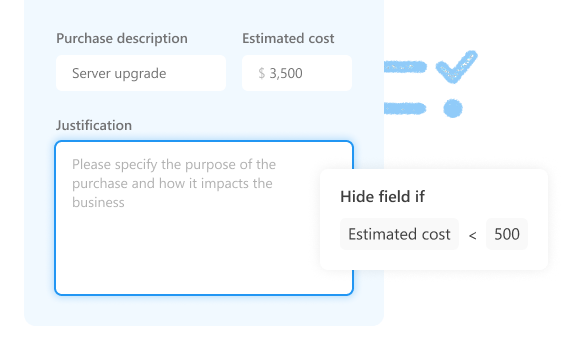
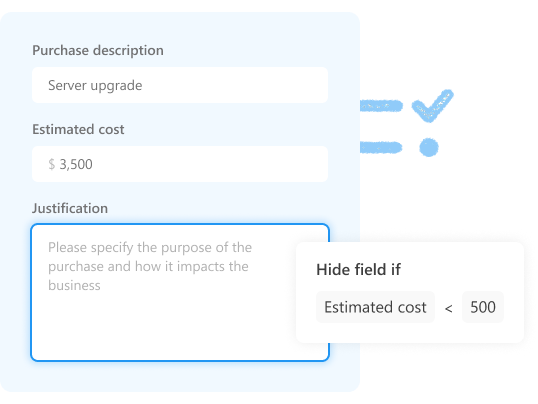
Show additional fields only when approval rules apply. Require users to provide the information reviewers need.


Reduce errors in SharePoint lists
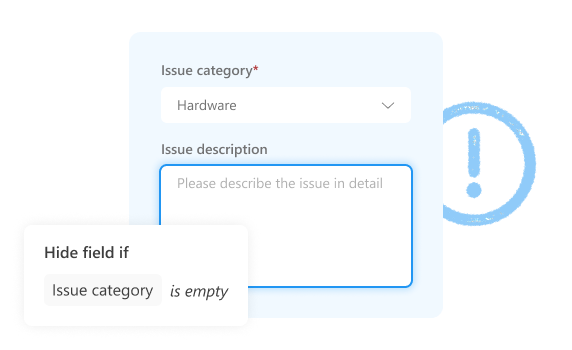
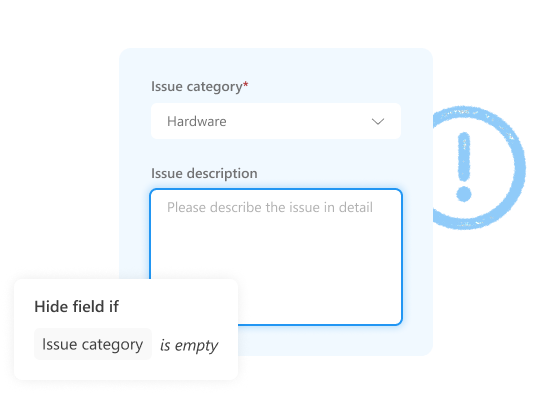
Show additional fields only after required information has been provided. Prevent incomplete SharePoint items.


Build advanced SharePoint forms
Combine dynamic rules with other advanced SharePoint form features to handle complex business processes.


Flexible layouts
Organize forms with tabs, accordions, wizards, and responsive layouts.


Advanced controls
Add data tables, signatures, Likert scales, and other advanced controls.


Related lists
View, edit, and create related SharePoint items without leaving the current form.


Personalized forms
Show different forms for Microsoft 365 or SharePoint users and groups.


Enhanced Lookup
Search, filter, and use cascaded lookup fields across SharePoint sites.


JavaScript customization
Extend built-in functions with custom logic for advanced dynamic behavior.
Give it a try

SharePoint Online

SharePoint 2019/SE
No credit card required