


Create forms with conditional logic
Show, hide, enable, disable, and require fields based on user input. Create conditional logic forms that adapt to every respondent without writing code.

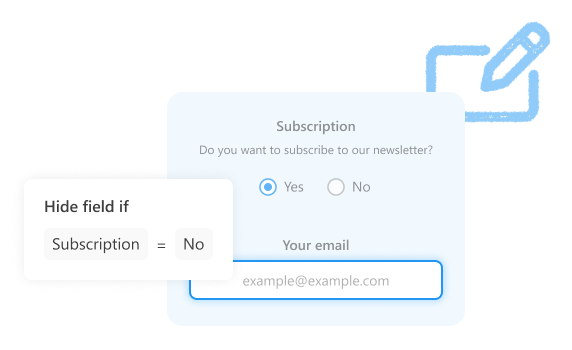
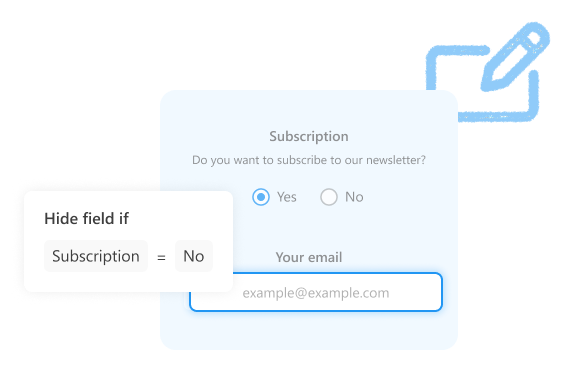
Show fields based on user input
Display additional fields only when they are needed. Use conditional logic to show relevant questions based on previous answers.


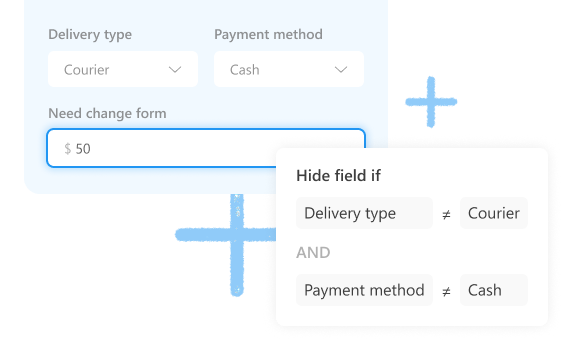
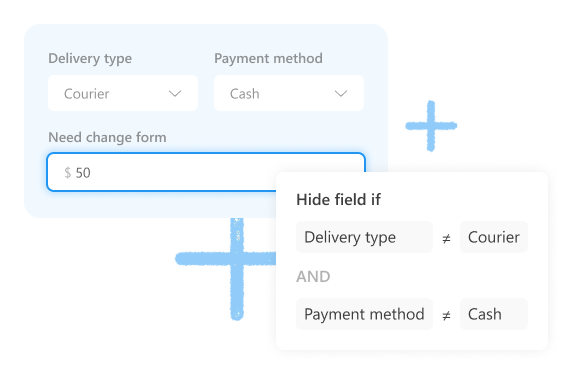
Combine multiple conditions
Build rules based on multiple answers and show questions only when all required conditions are met.


Show follow-up questions only after valid answers
Show additional questions only after required information has been entered correctly. Check whether fields are empty or valid.




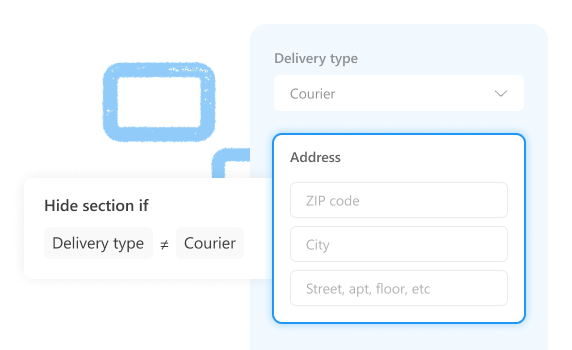
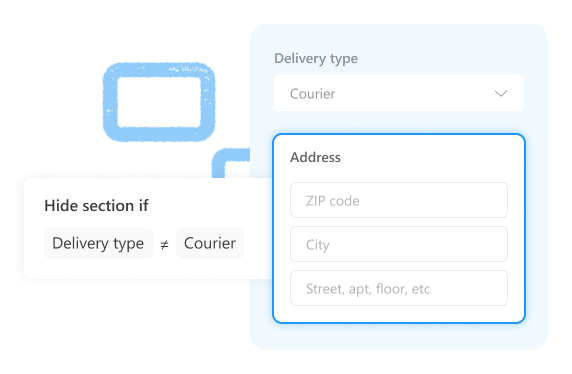
Control entire sections with one rule
Display related fields together instead of configuring each field separately. Useful for addresses, company details, delivery information, and other grouped sections.


Build advanced forms with conditional logic
Combine conditional logic with other form features to build more advanced forms and workflows.


AI assistant
Create or update forms by chatting with AI


Multi-page forms
Organize complex conditional logic forms into clear steps


Advanced layouts
Arrange fields in forms using tabs, accordions, and complex grids


Data tables
Collect multiple items and calculate totals automatically


Signatures
Collect signatures or hand-written notes directly in your forms


JavaScript customization
Extend built-in conditional logic with custom behavior
Conditional logic form templates
See how conditional logic works in real forms. Start with a template and customize it for your own process.
Give it a try
No credit card required