 FormsSharePoint
Dec 12, 2019
Modern and classic SharePoint UI — differences and advantages of switching
What’s this Modern UI all about?
 FormsSharePoint
These forms were created by Plumsail's Australian partner company KKiT and used for its clients across different industries:
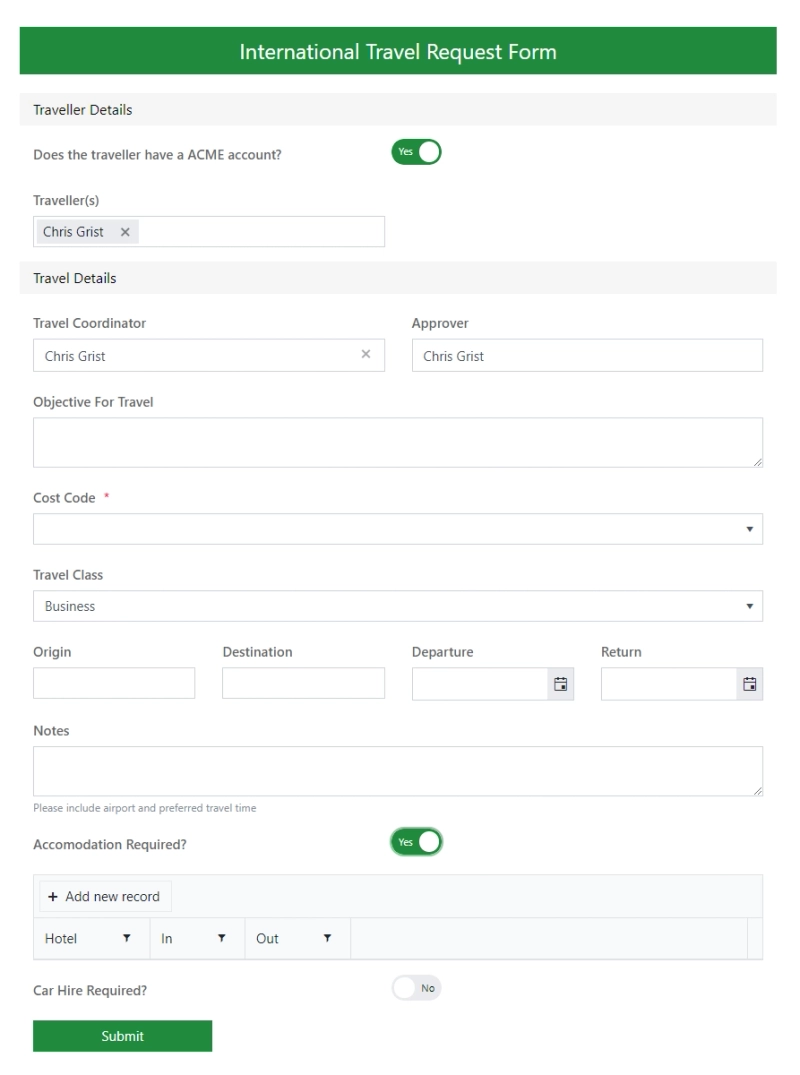
This form is used to capture details required to process an approval for a travel request overseas.
It utilizes various show/hide components to make the form dynamic and collect all the information required. Once the form has been approved, the data is then sent to the travel agent automatically to organize the booking.
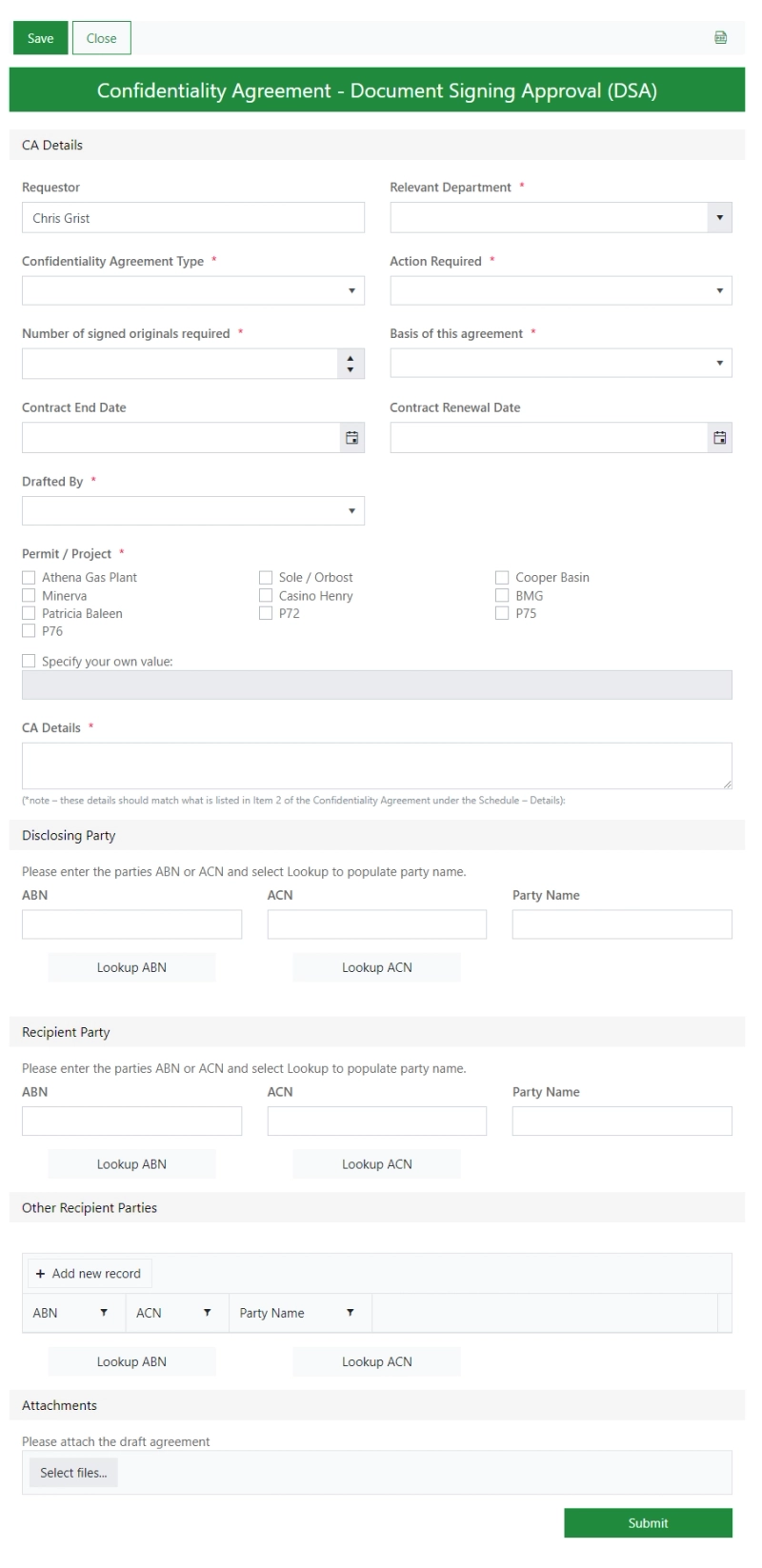
This form replaces a paper-based process — where a cover sheet would be required to be completed before signing an agreement.
In this example it is a Confidentiality Agreement.
This form accesses government APIs to import data based on the company's registered ABN (Australian Business Number).
Once the form is submitted, it is sent for approval, and then back to the initiator to process the signing of their agreement.
This is a Plumsail Public Web Form.
Whilst fairly basic, it is very critical and was heavily used during the COVID-19 pandemic.
It is embedded on the company's public website and is used to capture key information and facilitate approval before a visit to the site.
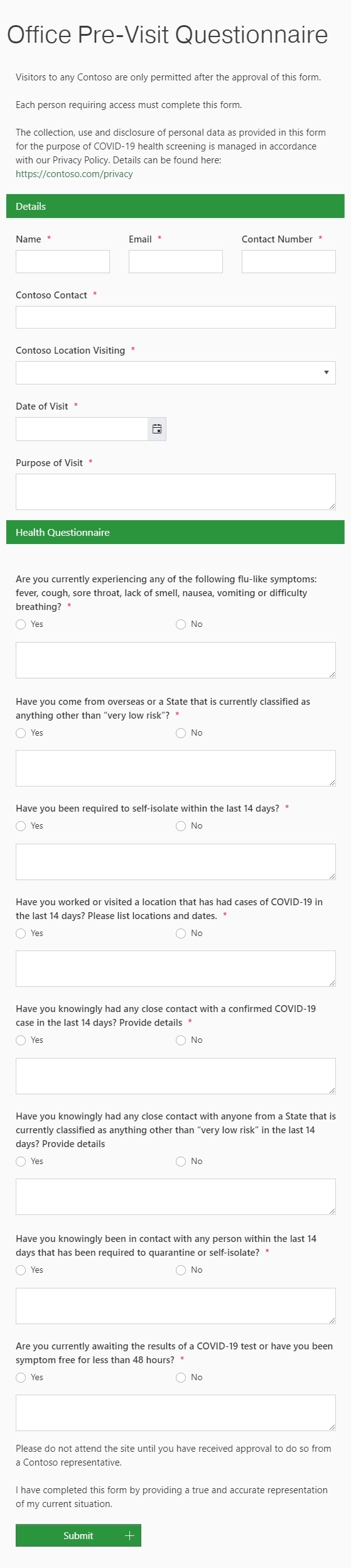
See a similar workflow in the Pre-visit Questionnaire template, where fields for parking, equipment, or access requirements appear only when needed.
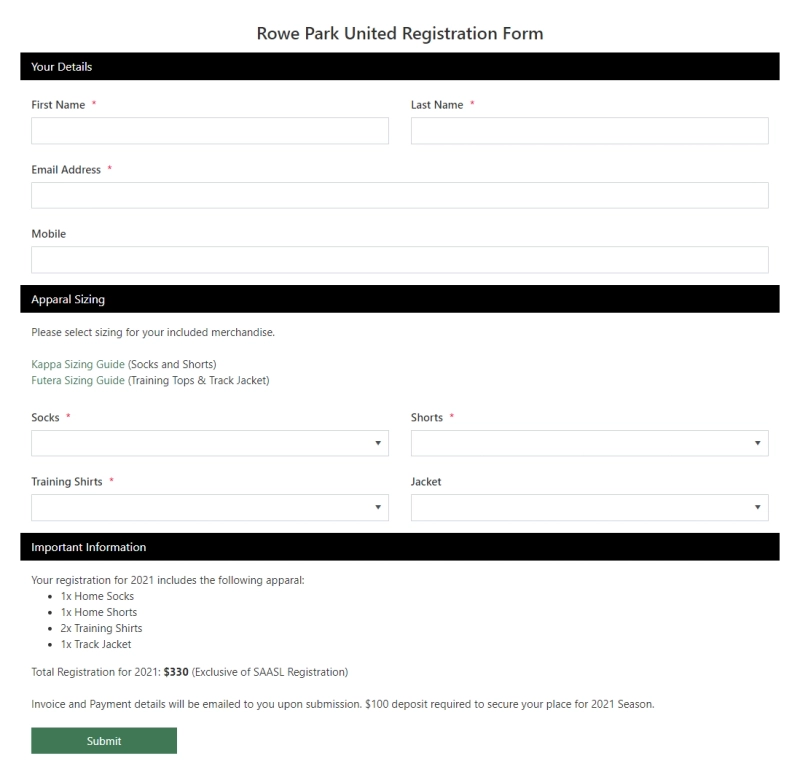
This basic public web form adds the details to the football club's membership database.
Employees launch this public web Check-In form by scanning a QR code on their mobile devices when they arrive on-site.
The form also captures the coordinates of the mobile device to verify that the employee is at the correct location.
It is used on construction sites by tradespeople.
The information is stored in a SharePoint list and reported on daily.
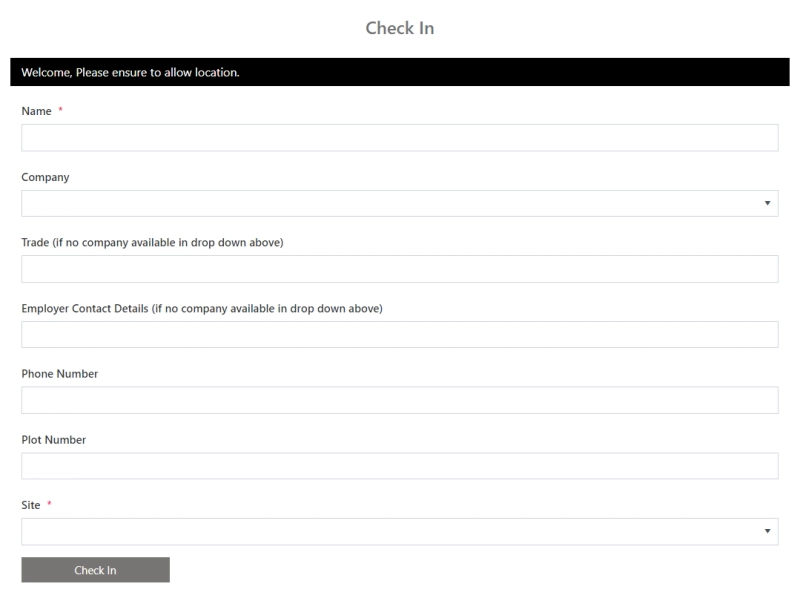
See a similar setup in the Worker Site Check-In Form template, which is designed for mobile use and captures the user's location together with check-in details.
Tradespeople who are new to a site launch this public web form to complete their induction questionnaire.
The information is then stored in a SharePoint list for reporting.
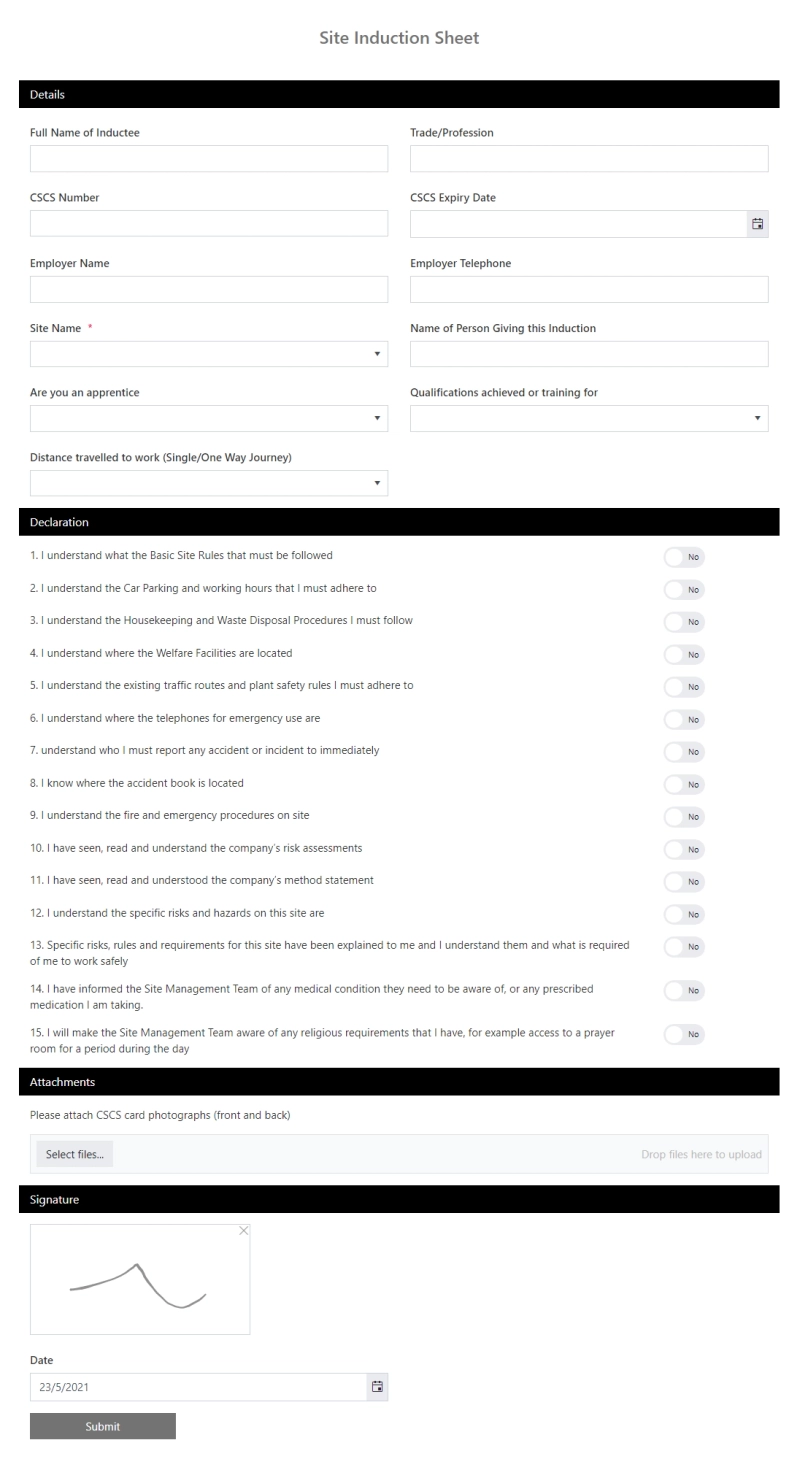
See how this can be structured in the Site Induction Form template, with required safety acknowledgements, conditional qualification fields, and a signature.
Design forms for your business workflows using Plumsail Forms' free plan..
If you have any questions or require assistance, reach out to our support team or schedule an intro call. We provide support and guidance to beginners and experienced users alike.
FormsSharePointFormsSharePointWhat’s this Modern UI all about?
FormsSharePointSharePoint Online Custom Form in the List Panel (Office365 Modern UI)
FormsPublic web forms for all your needs built quickly online