All tickets
The All tickets module displays a list of all tickets across your HelpDesk. You can filter tickets by assignee, date, category, or tags.
To open the All tickets module, use the icon in the navigation menu. Click the filter icon to open the filters panel:
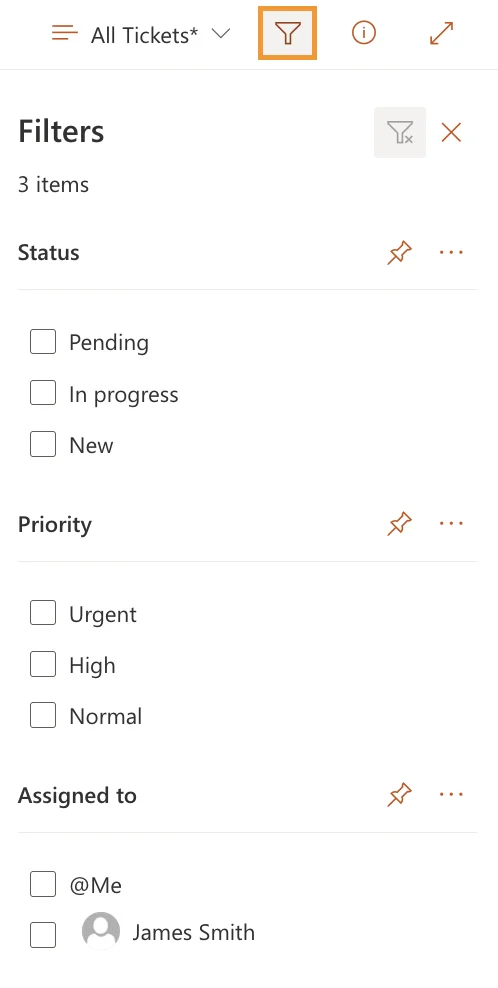
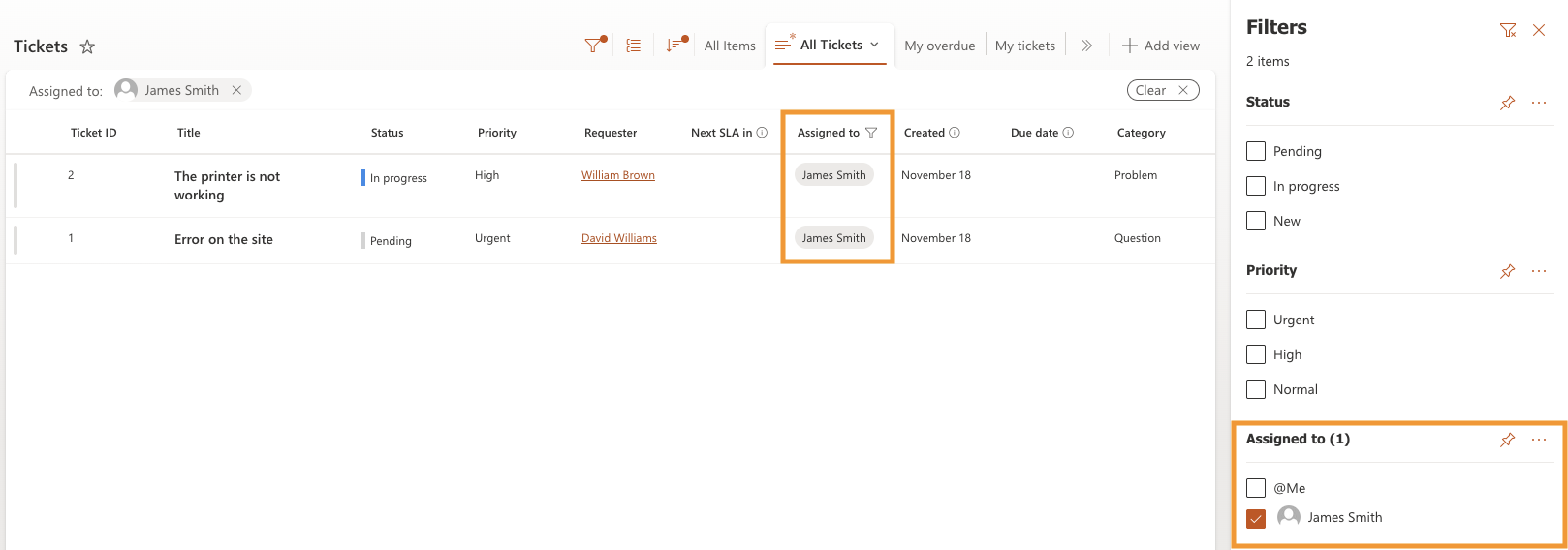
Assignee filter
When you select a value in the Assigned to filter, the ticket list updates immediately:
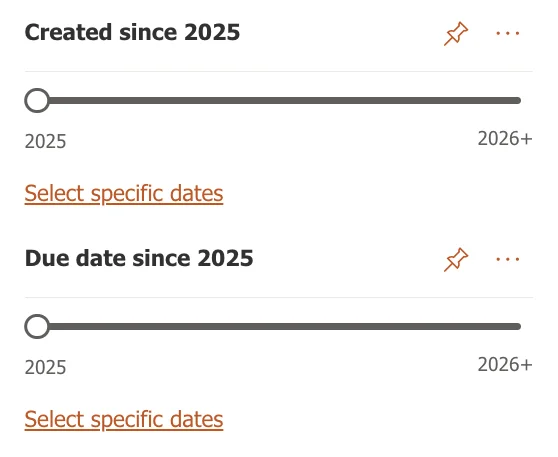
Date range
You can also filter tickets by a time period. Use the Created and Due date sliders to set a custom range, including dates in the past or future:
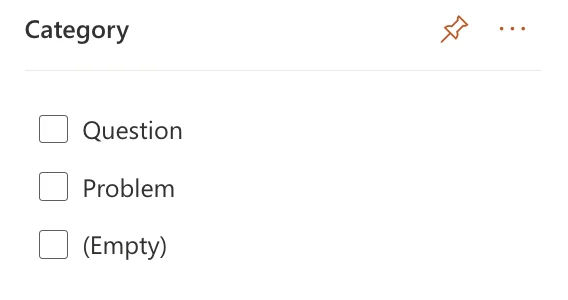
Category
The Category filter allows you to filter tickets by specific categories:
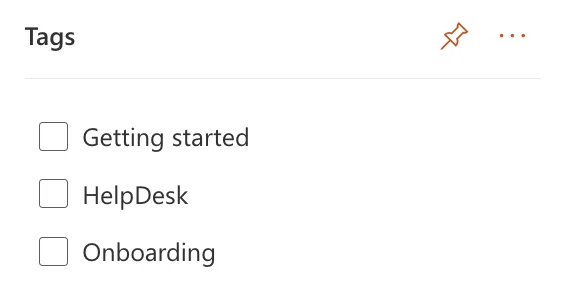
Tags
Tags are used to classify and organize tickets. They help you label tickets by type, use them in automation, and route tickets to agents.
You can use the Tags filter to display tickets with specific tags: